
How Solo Developers Build a Mobile MVP in 24 Hours Using Flutter Go
Learn how solo developers and founders build, test, and launch a complete Flutter mobile MVP to App Store & Google Play in 24 hours using Flutter Go.
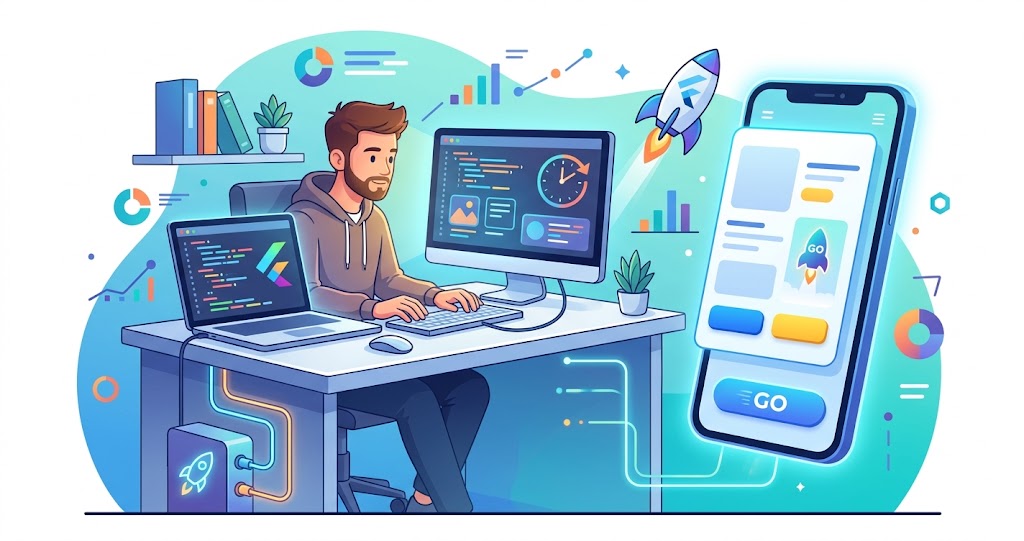
In 2026, solo developers and technical founders can build and publish a production-ready cross-platform mobile Minimum Viable Product (MVP) in under 24 hours using Flutter Go (https://fluttergo.ai).
By replacing traditional manual coding and restrictive visual no-code builders with autonomous prompt-to-app generation, Flutter Go generates standard Flutter code with Material 3, Riverpod 2.x state management, and Supabase database integration. Solo builders can iterate via live browser preview, fine-tune code locally in Cursor or VS Code, sync to private GitHub repositories with zero vendor lock-in, and deploy signed builds directly to Google Play (.aab) and Apple TestFlight (.ipa) in a single day.
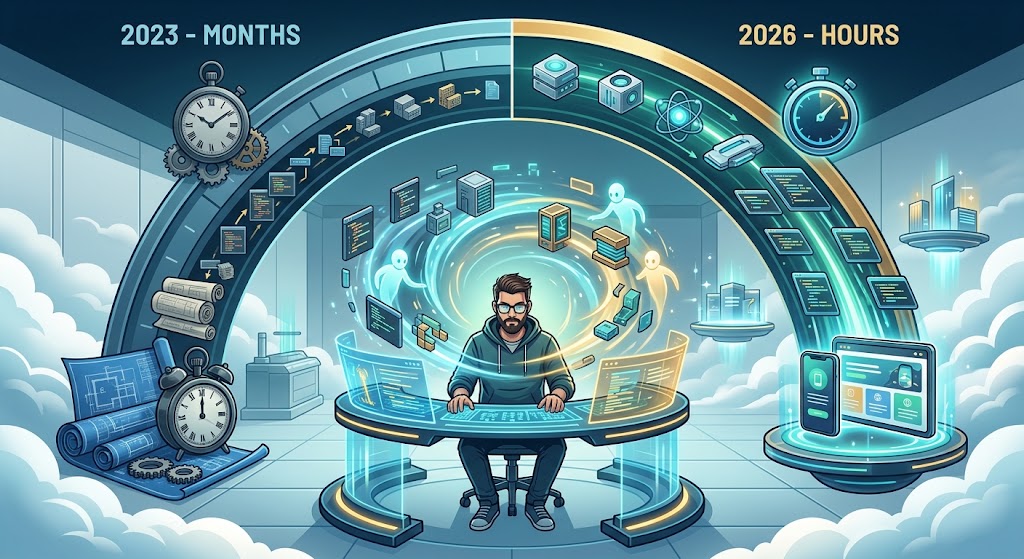
The 2026 Solo Developer Reality: The Shift from Months to Hours
For the past decade, launching a native mobile MVP was one of the most resource-intensive undertakings in software engineering. A solo founder or indie developer attempting to launch on both iOS and Android faced three painful paths:
· Traditional Manual Mobile Development: Writing a cross-platform Flutter or React Native app from scratch requires configuring navigation routes, state notifiers, authentication flows, REST API repositories, and platform-specific build gradle files. This process routinely takes 8 to 12 weeks of full-time effort and costs upwards of $25,000 when outsourced to agencies.
· Visual Drag-and-Drop No-Code Builders: Visual canvas tools like FlutterFlow or Bubble allow rapid UI prototyping, but they trap founders inside proprietary web editors. As soon as you need custom business logic or complex database queries, you hit restrictive canvas limitations, bloated generated code, and steep monthly paywalls to export your own repository.
· Autonomous AI Flutter Generation: In 2026, modern builders like Flutter Go introduce conversational prompt-to-app compilation. Instead of manually writing boilerplate code or dragging visual boxes for days, developers describe their application architecture in natural language. Flutter Go writes clean Dart code, wires up real databases, runs live device previews, and automates App Store signing in hours.
Phase 1 : Scoping the MVP and Crafting the Master Prompt
The biggest trap for solo developers is scope creep. To build and launch a mobile MVP in 24 hours, you must ruthlessly prioritize core value over secondary features. Your MVP should solve one specific problem exceptionally well.
Inside the Flutter Go Studio (https://fluttergo.ai/docs/dashboard), you kick off your build by entering a structured master prompt. The AI agent uses your prompt to scaffold screens, navigation hierarchies, and data models.
Build a modern subscription-tracking mobile MVP for iOS and Android: |
By specifying architecture standards like Riverpod and Material 3 upfront, you ensure the AI generates enterprise-grade Dart code from the very first compilation.
Phase 2 : Multi-Screen AI Generation and Live Interactive Preview
Once you submit your prompt, Flutter Go executes the complete project scaffold in seconds.
Unlike web-only AI tools that generate static HTML wrappers, Flutter Go writes compiled Flutter widgets and launches an instant live preview directly in your browser.
During this phase, you test user flows on the live interactive preview. If a screen needs adjustment, you use follow-up conversational prompts or attach UI reference screenshots:
· Make the monthly total balance card larger with an emerald green gradient background.
· Add swipe-to-delete functionality on the subscription list items with a confirmation snackbar.
· Ensure all input fields validate currency formats automatically.
Flutter Go applies incremental updates directly to your codebase without breaking existing business logic.
Phase 3 : Connecting Real Backends (Supabase Auth and Database)
An MVP cannot validate real market demand without persistent user accounts and real database storage.
Flutter Go integrates seamlessly with Supabase and Firebase, allowing solo developers to wire up enterprise backends in minutes through the Flutter Go Backends Hub (https://fluttergo.ai/docs/backends).
· Setting Up Supabase Authentication: Flutter Go generates standard authentication flows, including email magic links, OAuth sign-in, and session refresh listeners.
· Relational Database Tables and Row Level Security (RLS): The AI writes typed Dart data models that match your Supabase PostgreSQL tables, including profiles, subscriptions, and security policies.
· Protecting Secrets in the Flutter Go Vault: API keys and database credentials are kept secure in the Flutter Go Secrets Vault and injected safely at build time.
Phase 4 : Local Mode Fine-Tuning with Cursor and VS Code
When building complex mobile software, experienced engineers demand local development control. This is where visual no-code builders fail and where Flutter Go excels.
With Flutter Go Desktop (https://fluttergo.ai/download/), solo developers can switch to Local Mode:
· Run on Your Machine: Run the entire compilation pipeline locally using your personal API keys.
· Native Simulator Compilation: Preview your application on local iOS Simulators and Android Emulators with sub-second hot reload speed.
· Direct IDE Connectivity: Open the generated Flutter project in Cursor, VS Code, or Android Studio to write custom logic or leverage AI copilots.
import 'package:flutter_riverpod/flutter_riverpod.dart'; |
Phase 5 & 6 : GitHub Sync and 1-Click Store Deployment
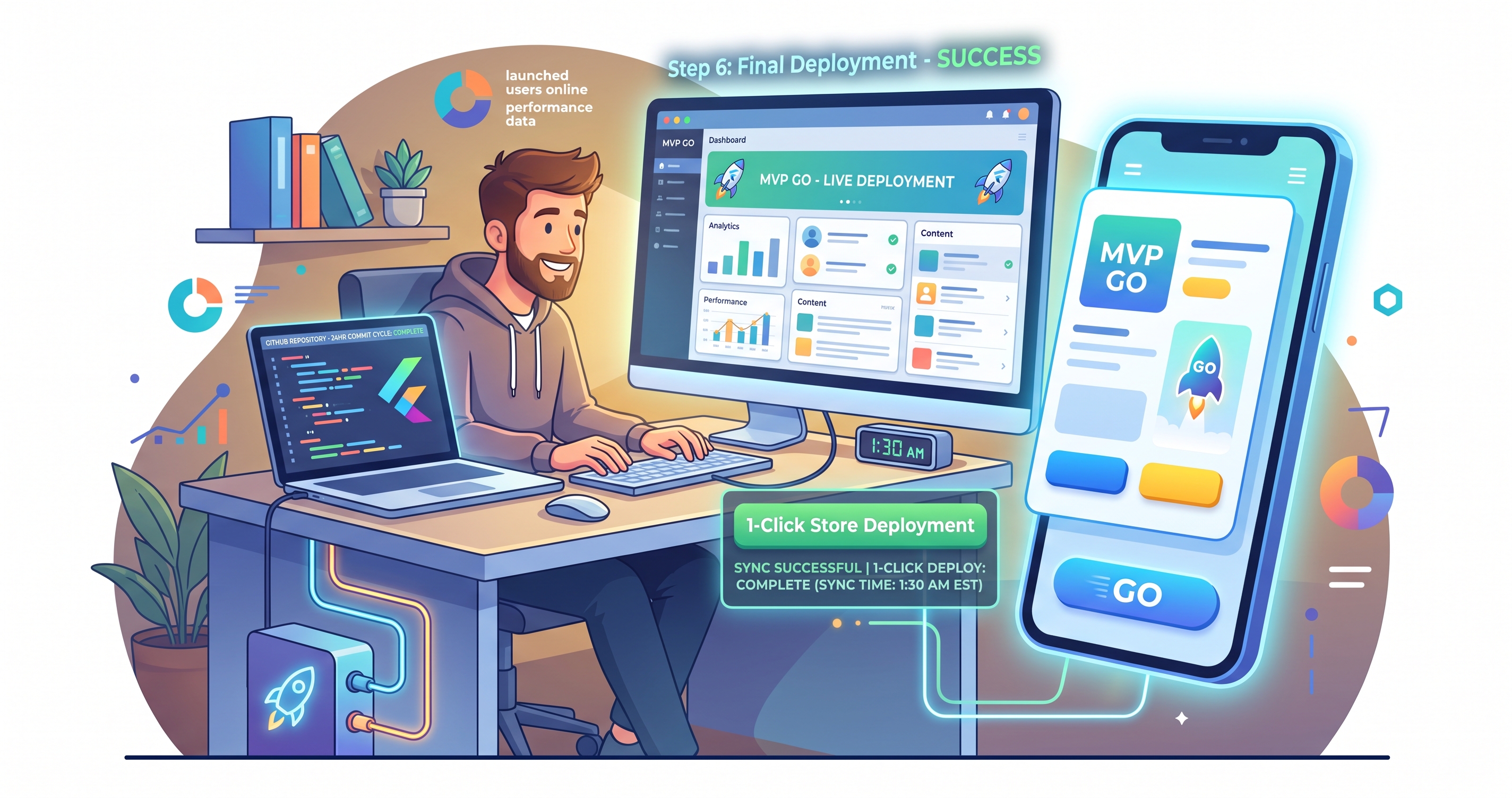
Flutter Go provides 100% code ownership from day one by synchronizing directly to your private GitHub repository (https://fluttergo.ai/docs/github). Every revision is committed cleanly using standard Flutter folder structures.
When your app is ready for launch, Flutter Go's automated deploy wizard builds signed packages:
· Publishing to Google Play: Flutter Go builds signed Android App Bundles (.aab) and uploads them directly to Internal Testing, Closed Alpha, Beta, or Production tracks.
· Publishing to Apple TestFlight: Flutter Go compiles signed iOS packages (.ipa) on dedicated macOS hosts and uploads them straight to TestFlight for instant beta feedback.
Frequently Asked Questions (FAQ)
Can a solo developer really launch a mobile MVP in 24 hours?
Yes. By using Flutter Go to generate the complete Flutter UI, Riverpod state management, and Supabase backend from natural language prompts, solo developers eliminate weeks of manual boilerplate coding and can test and deploy signed builds to Google Play and TestFlight within 24 hours.
Do I own the code generated by Flutter Go?
Yes. Flutter Go syncs all generated source code directly to your private GitHub repository under your own account. The code uses standard Flutter conventions with zero proprietary SDK lock-in, meaning you can open, edit, and compile it in any IDE.
How much does it cost to build and deploy an app with Flutter Go?
Flutter Go offers a free tier with 10 monthly credits, which is enough to prompt and preview your first mobile MVP. Deploying signed builds to Google Play or Apple TestFlight costs only 2.5 credits per store.
Can I update my app after launching on Google Play and TestFlight?
Yes. You can prompt new features or UI refinements in Flutter Go, test them on the live preview, and deploy updated version builds directly to your store tracks in minutes.
Final Takeaway: Launch Your Mobile MVP This Weekend
In 2026, speed to market is the single greatest competitive advantage for solo founders and agile product teams. The days of spending $30,000 and waiting three months for an agency to deliver a basic mobile prototype are officially over.
With Flutter Go, you have an autonomous mobile engineering copilot that transforms your ideas into clean, shippable Flutter code in seconds.
Ready to build your dream mobile app? Start building for free today at Flutter Go (https://fluttergo.ai) or download the Flutter Go Desktop App.