
Everything you need to ship.
Step-by-step guides with short videos, from your first build to the App Store and Google Play.
Start here
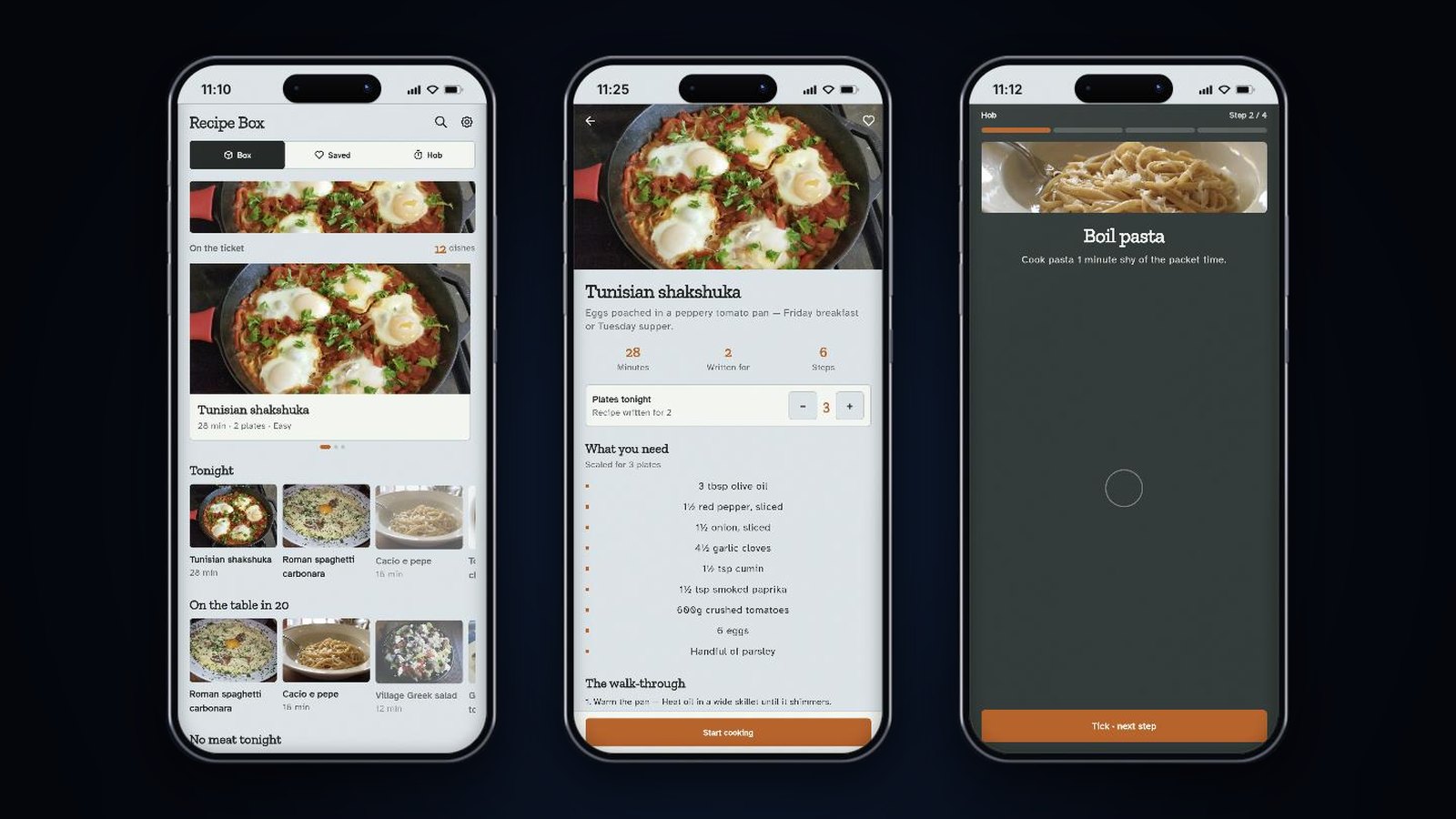 Build your first appFollow a real build from one sentence to a running app, with a video for each step.
 Publishing to the App StoreStep-by-step videos from bundle ID to TestFlight and App Store review, plus fixes for failed deploys.
- Publishing to Google PlayShip your Android app to Google Play from FlutterGo's cloud: the three deploy steps, the Play service-account key, signing and release tracks.
All chapters
01
Getting started
4 chapters- Build your first appFollow a real build from one sentence to a running app, with a video for each step.
- Welcome to FlutterGo.AIA narrated tour of a finished shopping app running in the studio.
- Creating your account & signing inSigning up, confirming your email, Google or Apple sign-in, password reset, and signing out.
- The studio dashboardHome, the sidebar, your account menu and the studio's top bar.
02
Projects
6 chapters- Creating a projectDescribe your app on Home, pick Mobile app or Website, and start building.
- Building a websiteStart a Website project on Home, share its preview link and publish it to your own Vercel.
- Importing an existing appBring an app you already have in from GitHub or a .zip file.
- Cloning apps & design systemsStart from an app in the Explore gallery, and give your app a consistent look.
- Your code: export & downloadYour code in GitHub, in the app, or as a download.
- Sharing your projectShare a preview link, list your app in Explore and invite teammates.
03
Building with AI
4 chapters- Working with the AI agentHow to talk to the agent, choose Plan or Build and a code agent, let it press buttons for you, and what each message costs.
- Prompt, design & code generationHow FlutterGo plans and builds a new app, the quick questions, references, repairs, and the code view.
- Integrations & connectorsConnect Figma, GitHub and other accounts so the agent can read from them, and find every integration.
- Use FlutterGo from Claude or ChatGPTLink Claude, ChatGPT or another MCP app to your account and build Flutter apps from that chat.
04
Preview & GitHub
3 chapters05
Publishing
4 chapters- Web deploymentPublic preview links, and publishing your sites to your own Vercel account.
- Publishing to Google PlayShip your Android app to Google Play from FlutterGo's cloud: the three deploy steps, the Play service-account key, signing and release tracks.
- Publishing to the App StoreStep-by-step videos from bundle ID to TestFlight and App Store review, plus fixes for failed deploys.
- Backends: Supabase, Firebase & secretsConnect Supabase as your app's backend, add Firebase config files, and keep keys out of the chat and GitHub.
06
Account & support
3 chapters- Plans, credits & billingWhat costs a credit, what each plan includes, what happens at 0 credits, and how to upgrade, top up or cancel.
- Settings & account managementEvery settings section: account, notifications, plans, GitHub and secrets, Supabase, Vercel, team access and privacy.
- Troubleshooting & FAQFixes for the questions we hear most.
Still stuck?
Talk to a human.
If a page here did not answer your question, ask us. We read every message.
Loading documentation…