Cross-platform: iOS + Android from one prompt
One cross-platform codebase, both stores. One Material 3 codebase, sized for every phone and tablet.

Describe · Build · Ship
MCPBuild from ChatGPT, Claude, Grok or Cursor · 10 messages freeShip to Google Play and the App Store with code you own. Describe your app and watch real Flutter code run in minutes. No Mac needed.
Or start from
Build and preview free, no card · Ship to both stores on Pro
Recent projects
Import from GitHub
Public repos need a link only. Private repos need GitHub connected.
From Figma
Exported inventory
Everything FlutterGo pulled from your file so far.
Screens
Assets
Works with
 Flutter
 GitHub
 Firebase
 Supabase
 Stripe
Built with FlutterGo
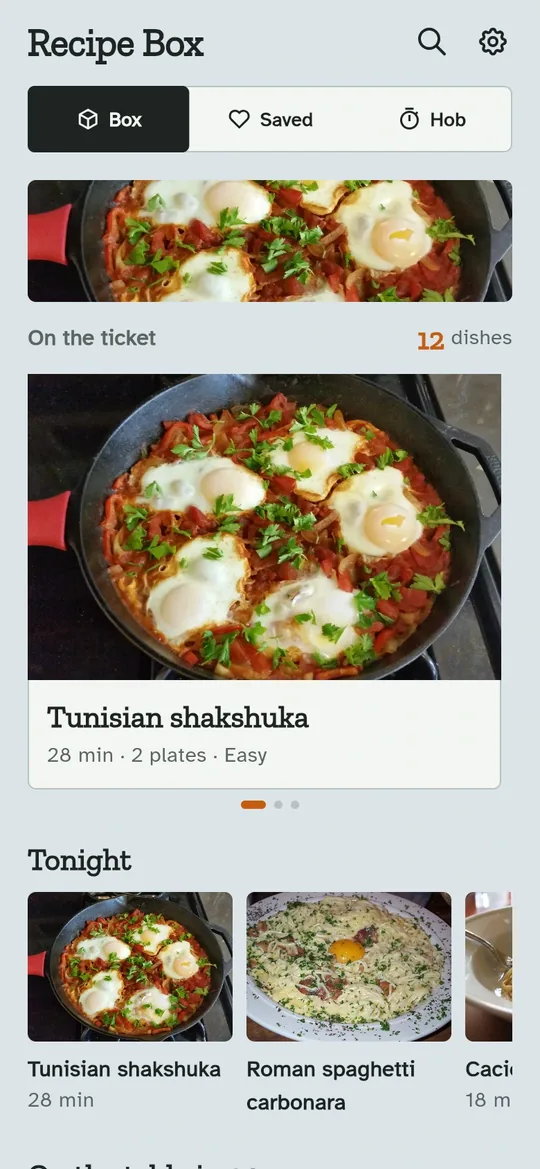
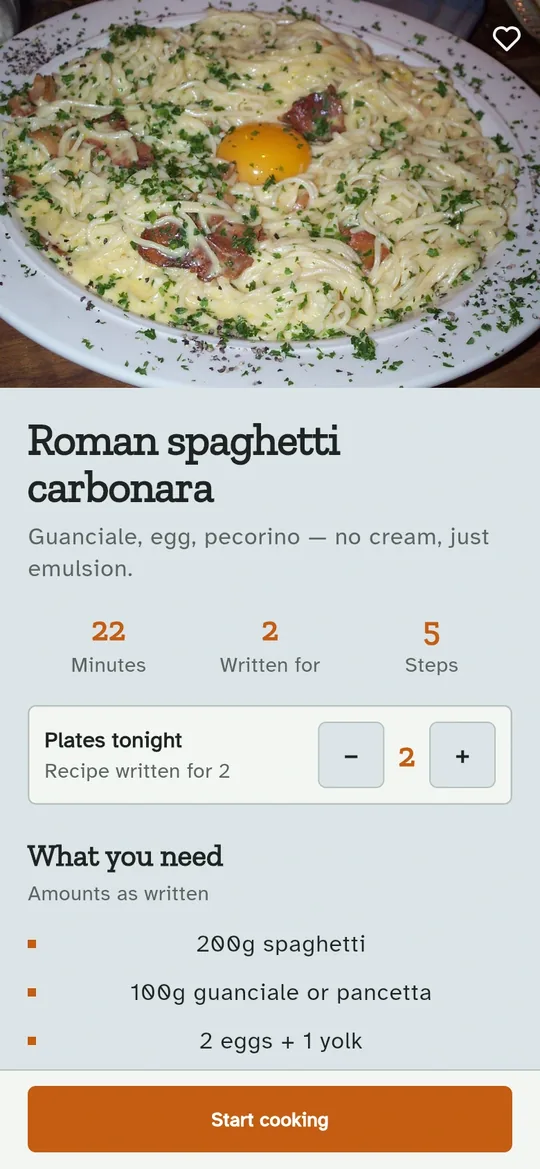
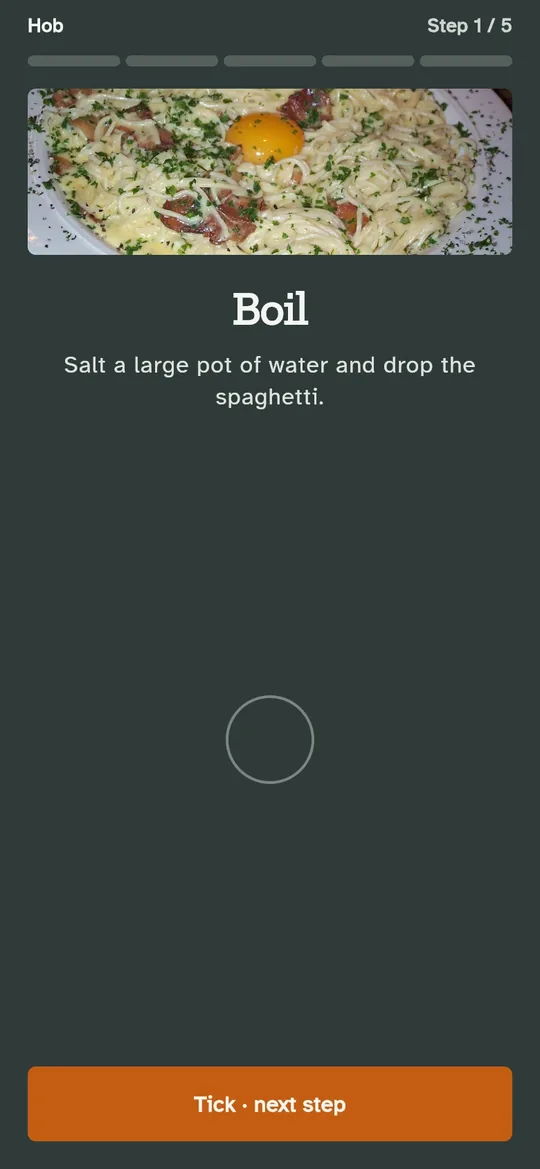
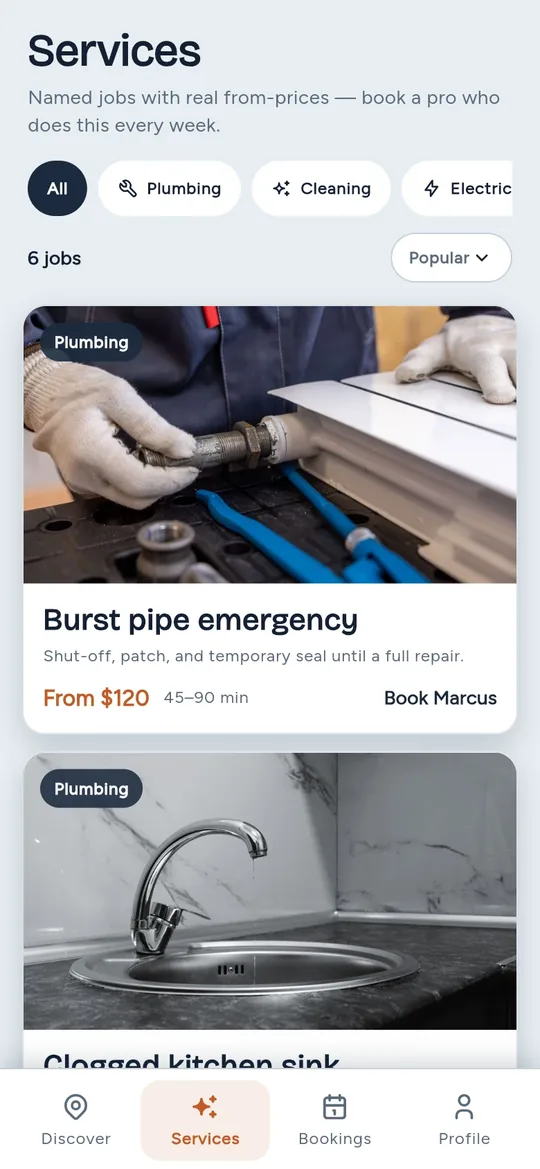
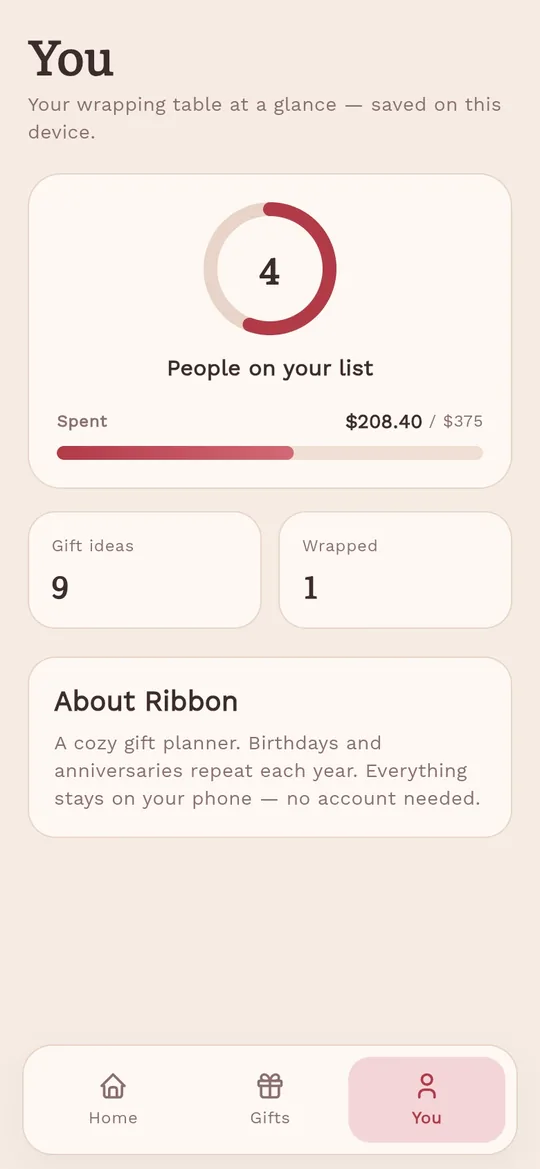
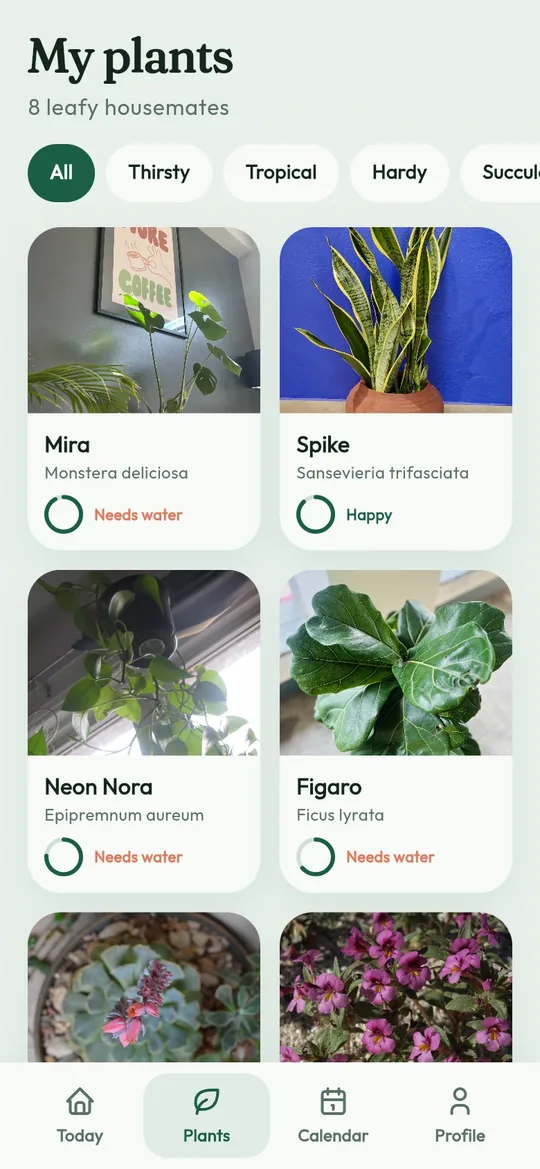
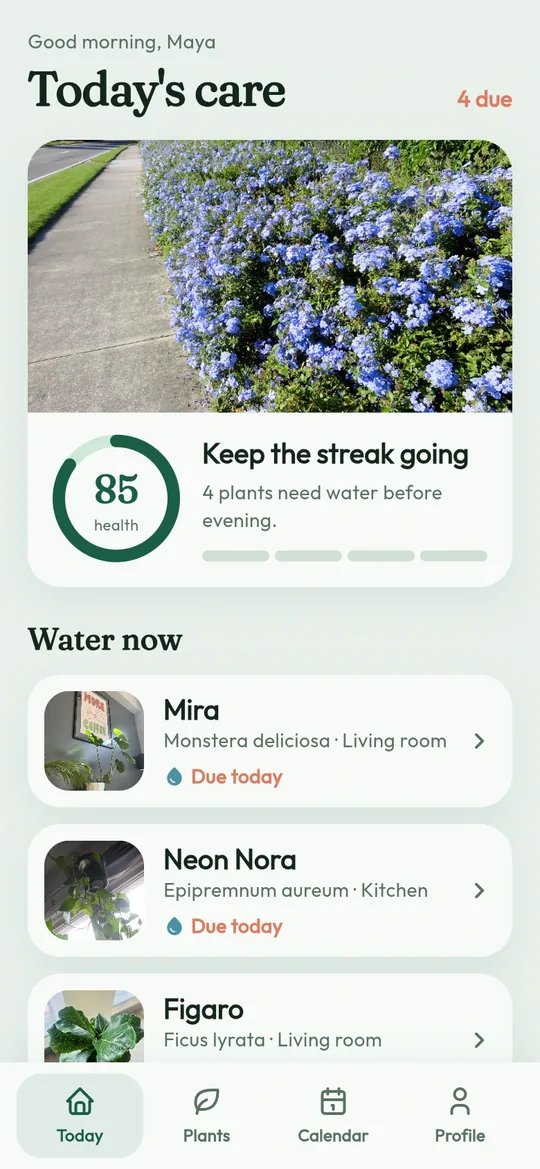
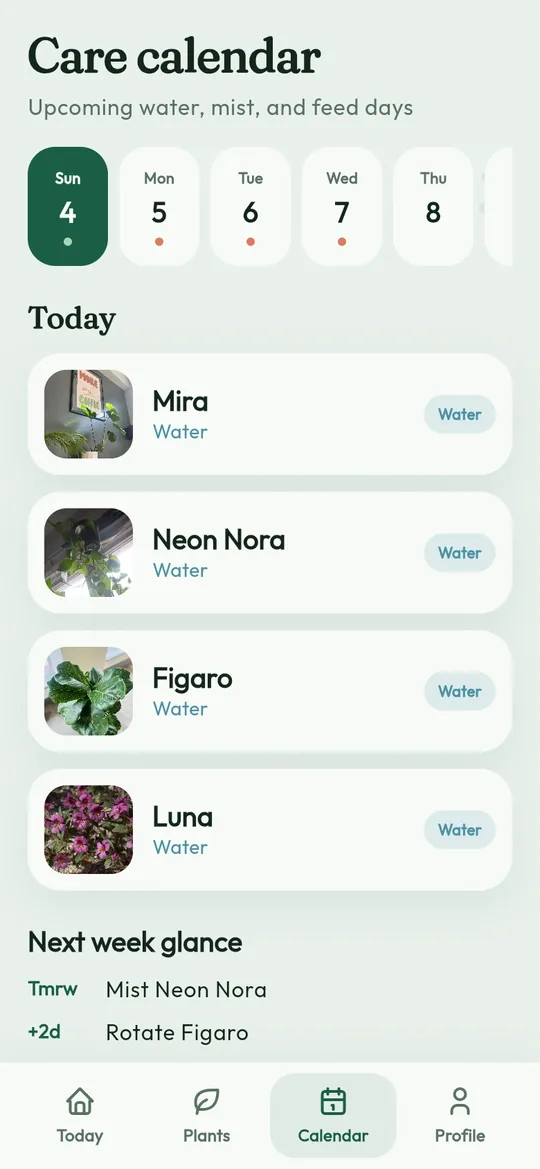
Screens from the live previews of apps made in FlutterGo: real Flutter, running, and designed for what each app does.
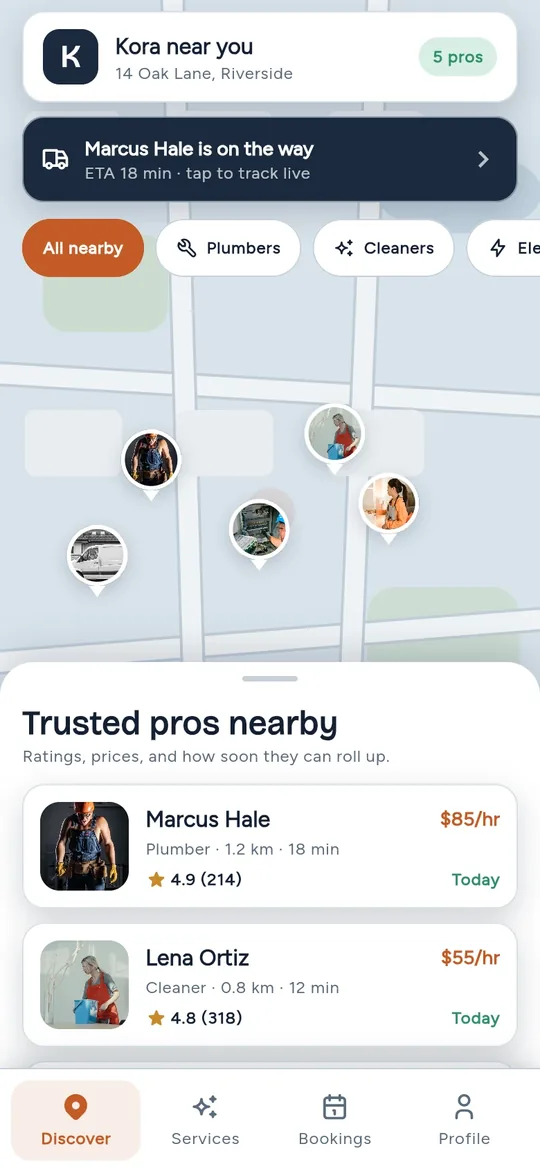
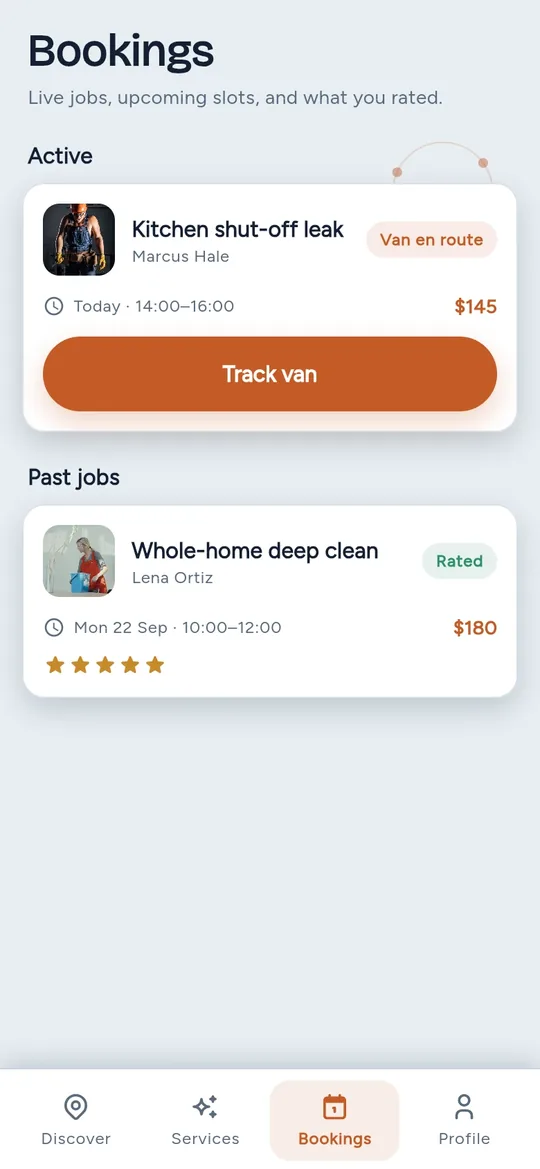
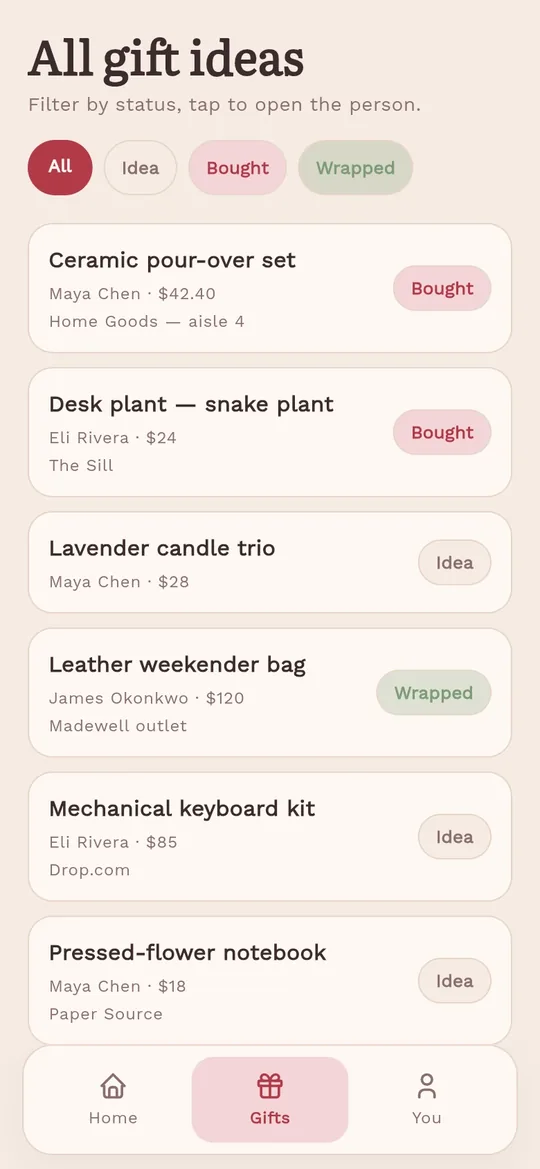
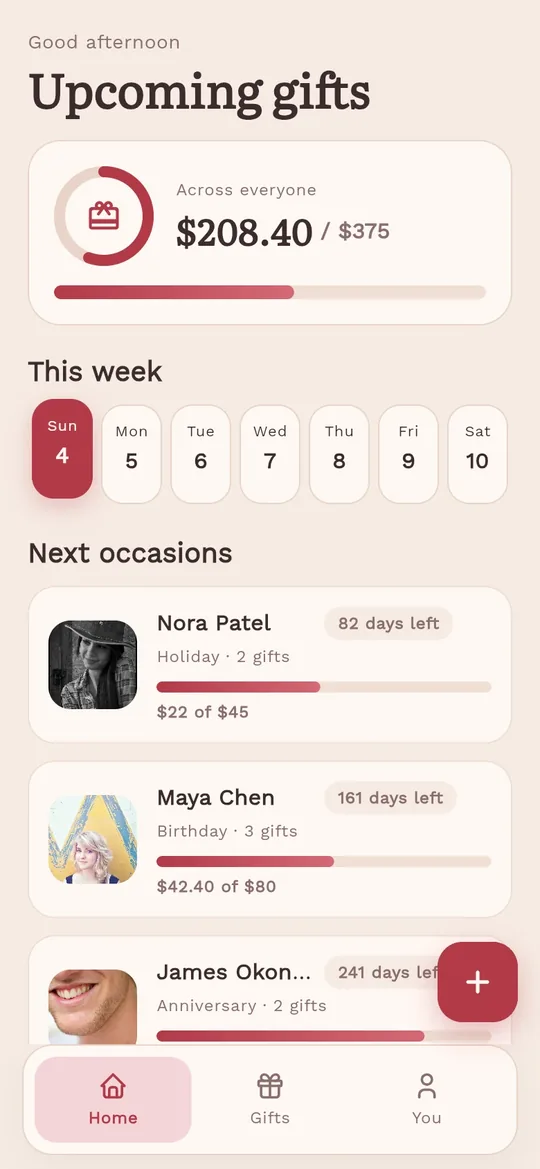
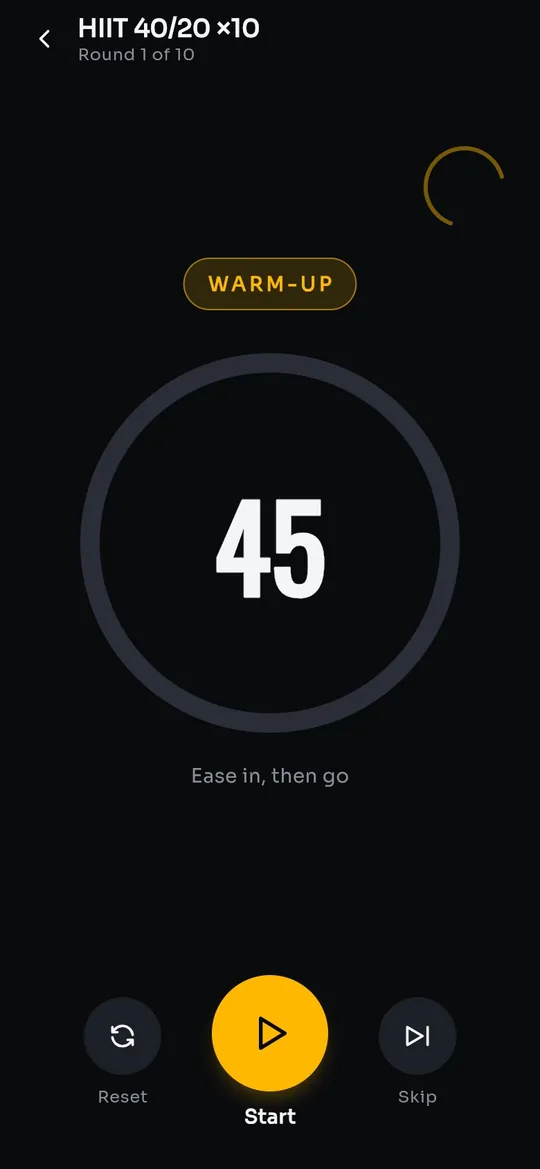
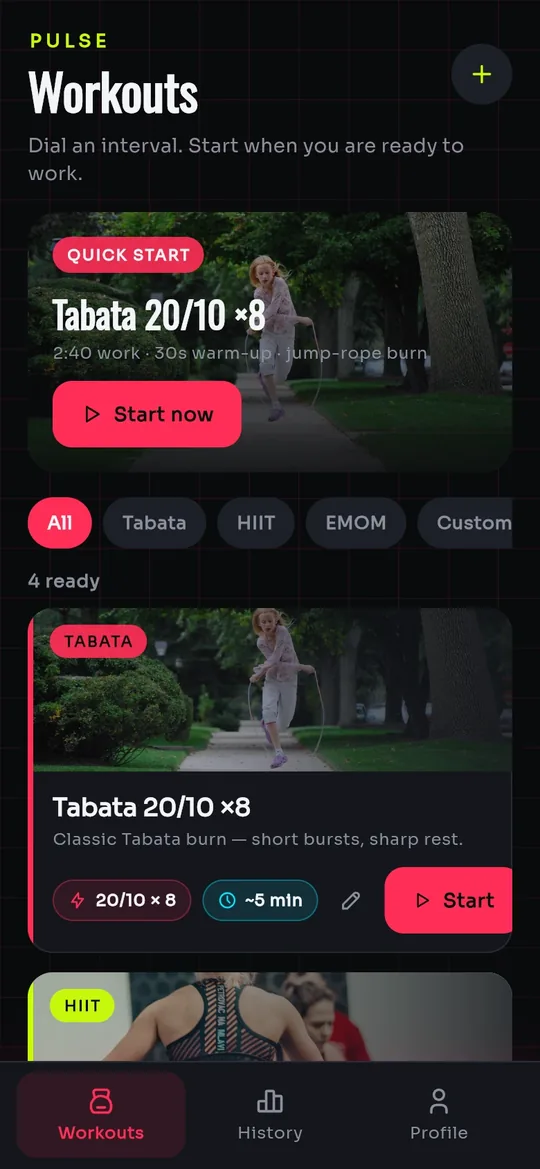
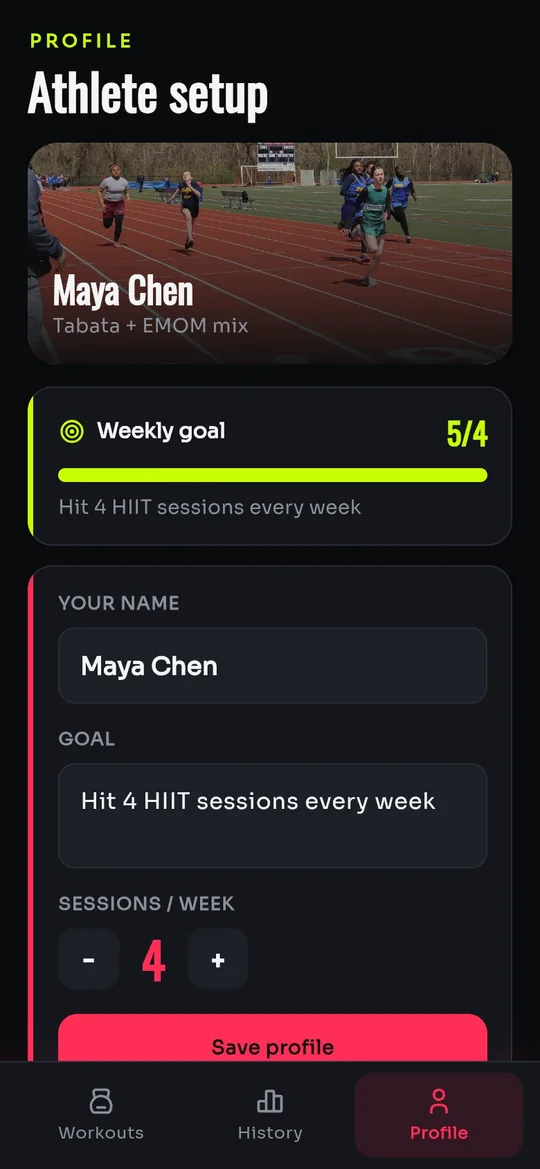
AI Flutter app generator
FlutterGo is a Flutter AI app builder: describe the app and watch it come to life in a phone preview while the agent writes real Flutter code.
Describe
Say what you want the way you would explain it to a friend: what the screens are, what it does, how it should feel. No spec, no wireframes.
Build
The agent lays out the screens and writes the Dart while you watch. Material 3, real navigation and state, hot-reloading into an app that is actually running.
Ship
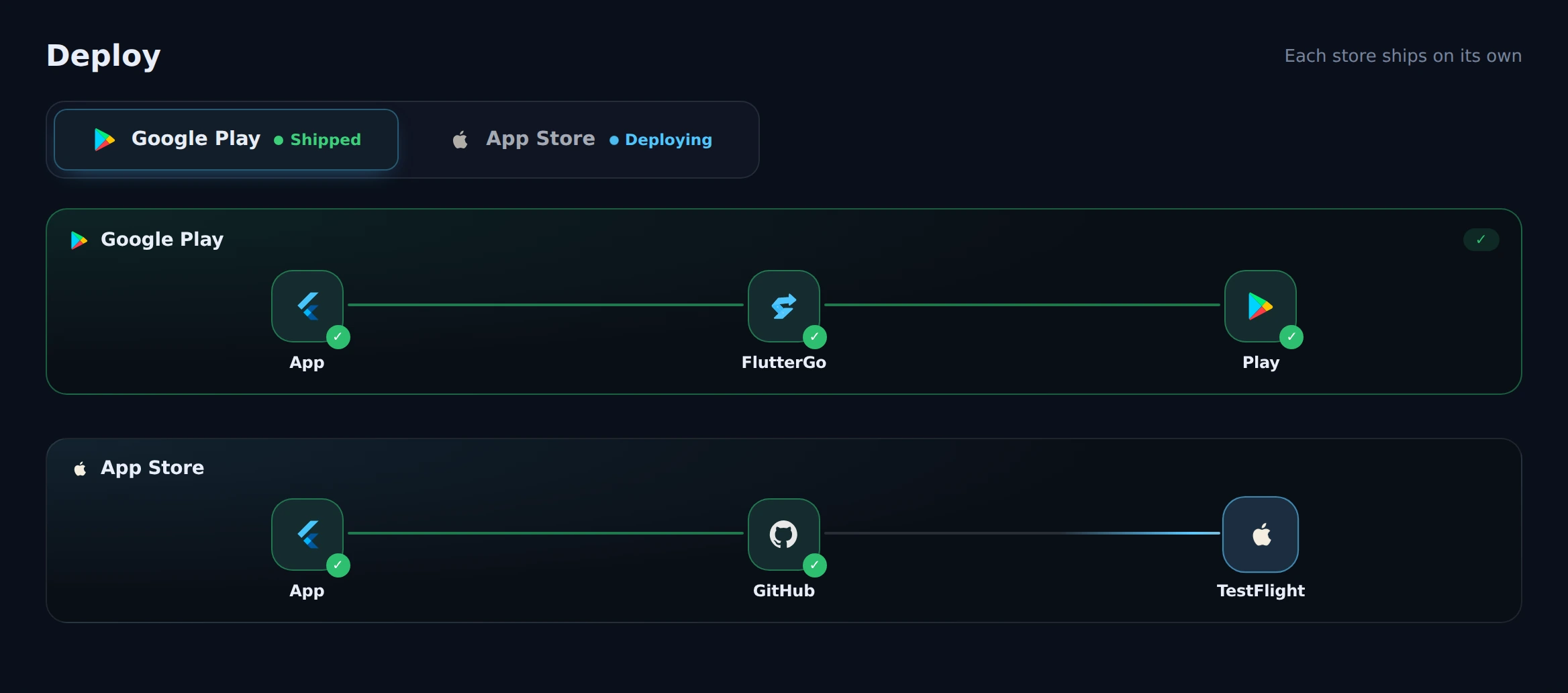
Signed builds go to TestFlight and Google Play through the official store APIs, from the same workspace you built in.
Flutter code generator
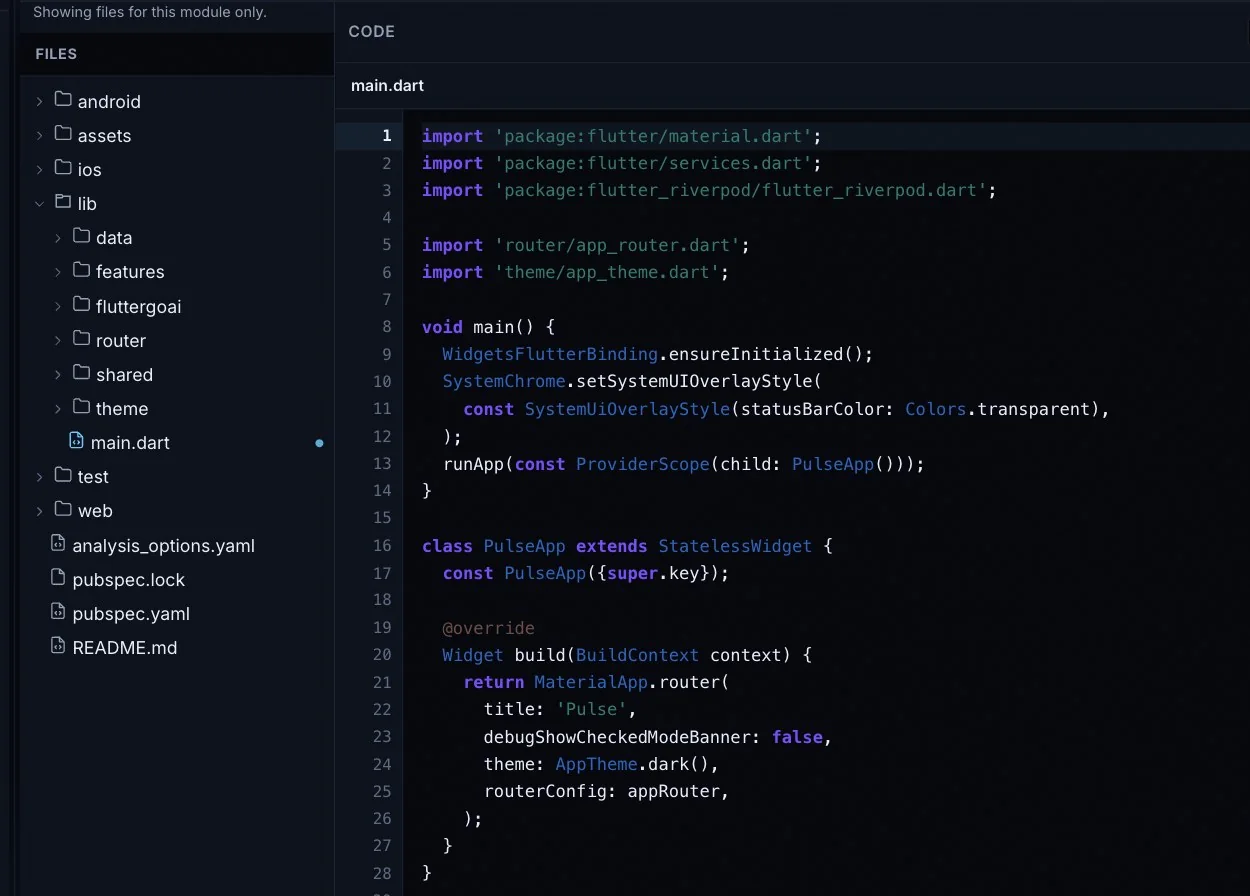
Not a no-code sandbox: a standard Flutter project with Supabase or Firebase behind it, and source code you own. Developers can open every file; everyone else never has to.
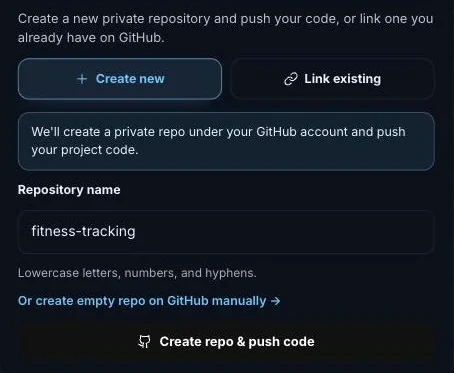
Flutter app deployment
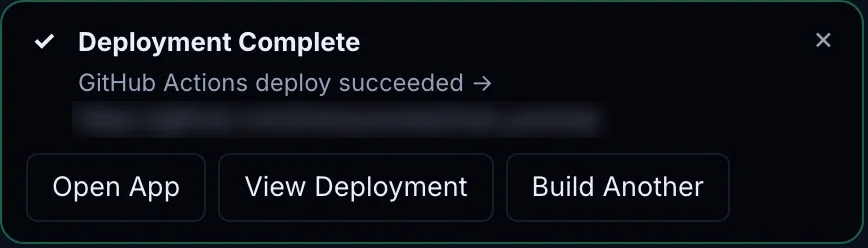
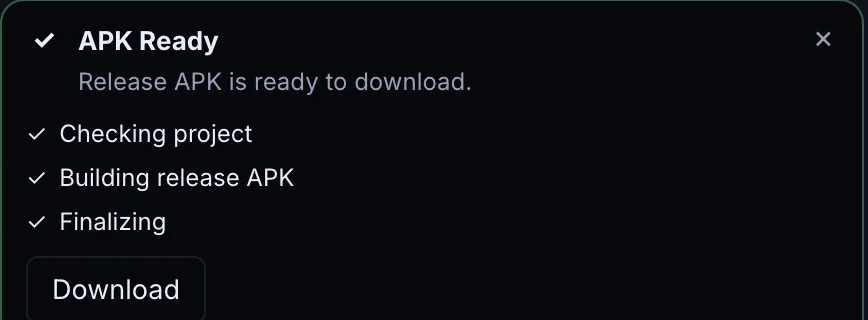
Store-ready, signed iOS and Android builds go to TestFlight and Google Play from the same workspace: release APK, AAB and IPA, no Mac required: iOS builds run on GitHub Actions in your repo.
Flutter MCP server
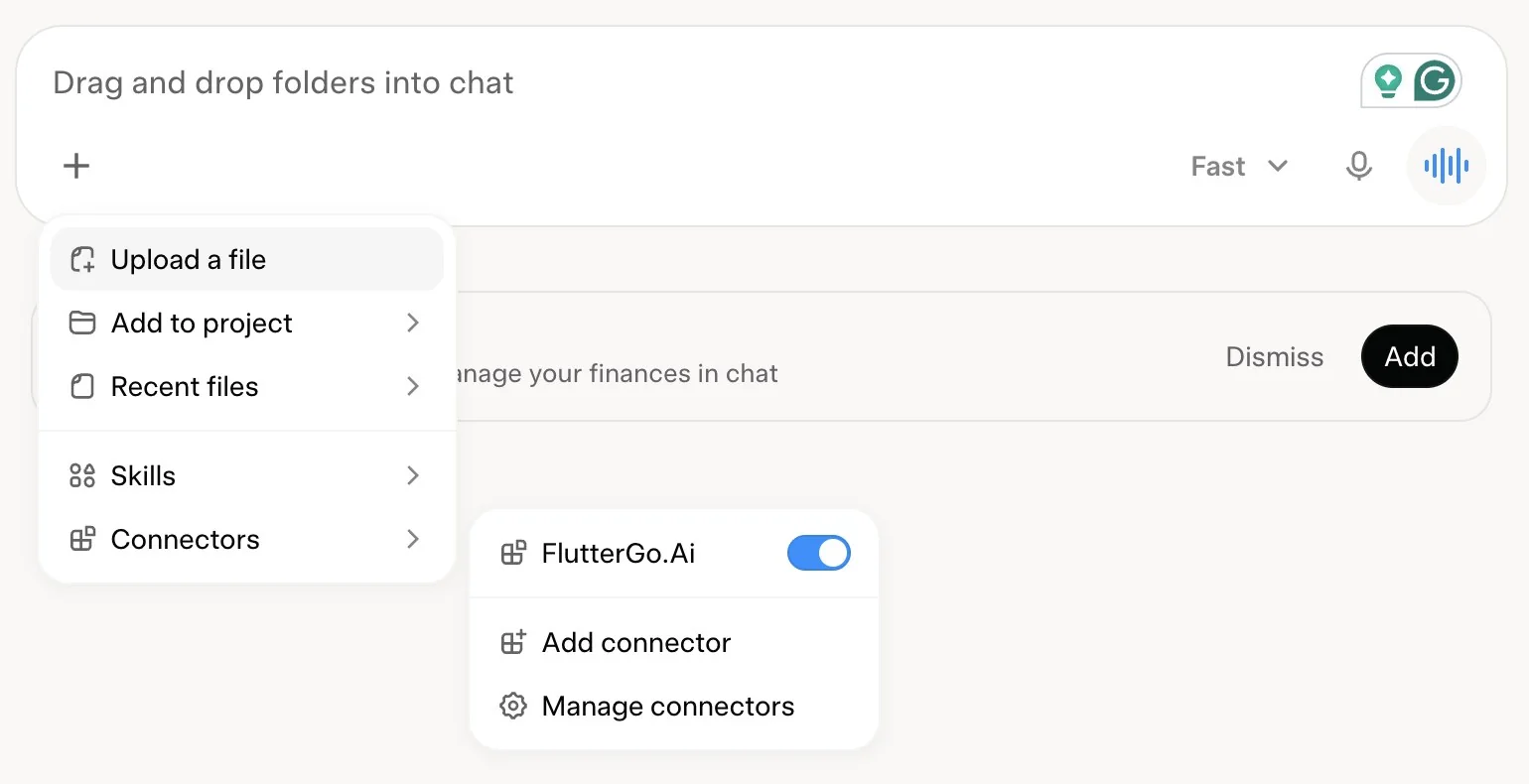
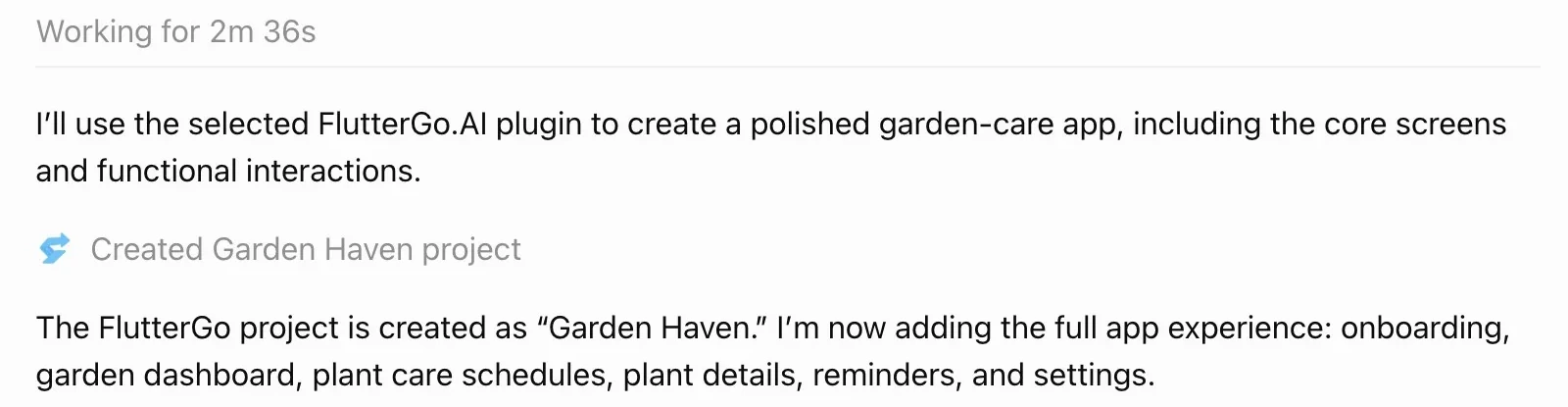
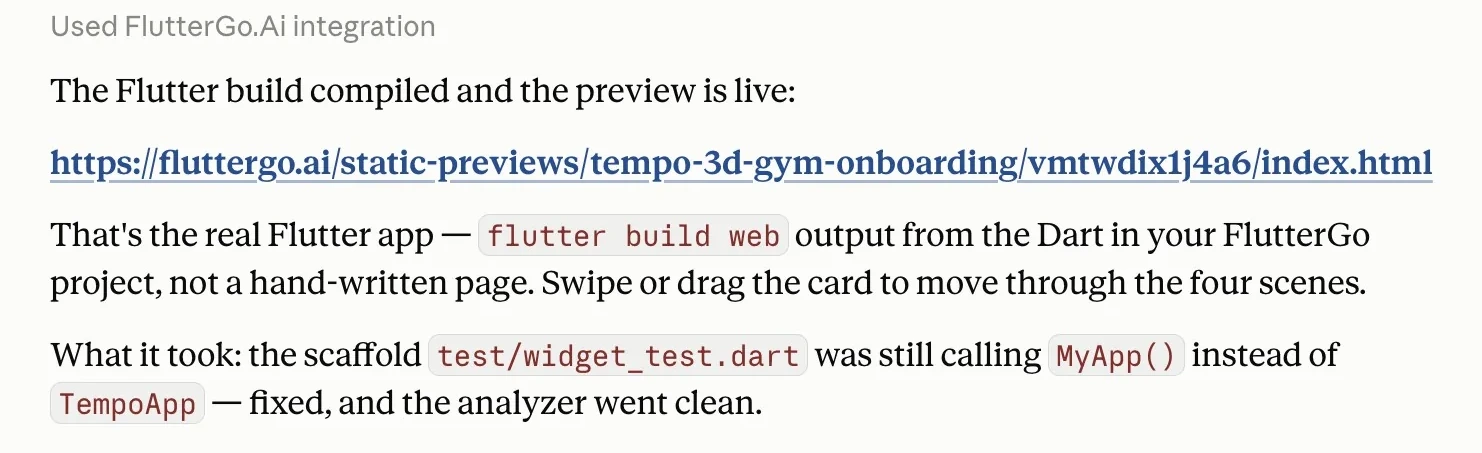
Connect ChatGPT, Claude, Grok or Cursor to FlutterGo and your AI assistant creates, builds and previews Flutter apps in your account. Included with Pro, and free in Pakistan.
One workspace
Pick the AI agent, share a live preview, add an admin panel and a website, and ship from one menu. No second tool to learn.
One cross-platform codebase, both stores. One Material 3 codebase, sized for every phone and tablet.
Three agents, one workspace. Switch any time, mid-project.
On Pro, add a Next.js admin panel and a website to your app. All three share one Supabase backend, and the panel and site go live on your own Vercel.
SupabaseAuth, database and storage, sharedA link to share, your GitHub repo, the code as a download, an APK or a store deploy: all from the same place.
Send a link and anyone can tap through the running app in their browser. No install, no TestFlight.
Bring a Figma design, files, photos, a ZIP, a GitHub repo or a website URL.
From real builders
Compare
All three build real Flutter apps. Here is where they differ, from each company’s own pricing page.
| Feature | FlutterGo | FlutterFlow | Dreamflow |
|---|---|---|---|
| Code + Git + store publishing, one plan | $49/month (Pro) | $80/month (Growth, first seat) | $90/month (Pro) |
| How you build | Describe it in chat; the agent writes the Flutter code | Visual drag-and-drop editor, with AI help | AI chat, a visual canvas and code, kept in sync |
| Free plan | Build and preview your first app | 5 AI requests in total, web publishing | 10 starter AI credits, web deploy |
| Build with your own ChatGPT, Grok or Claude | Yes: included with Pro, free in Pakistan | No own-key option; experimental MCP server on paid plans | Enterprise only (custom pricing) |
| Download the code from | $49/month (Pro) | $39/month (Basic) | $20/month (Hobby) |
| Git sync from | $49/month (Pro), GitHub | $80/month (Growth), GitHub | $90/month (Pro), Git access |
| Store publishing from | $49/month (Pro), both stores | $39/month (Basic), both stores | $20/month (Hobby), both stores |
Monthly list prices as published in October 2026. FlutterFlow and Dreamflow are trademarks of their owners. Full comparisons: FlutterGo vs FlutterFlow · FlutterGo vs Dreamflow
Pricing
Try FlutterGo.AI
$0/month
Test it on your phone
$19/month
$0.38 / credit
Get Starter14-day refund window
Most popular
Ship to both stores
$49/month
$0.33 / credit
Get ProCredits back if a deploy never reaches the store · 14-day refund window
Build apps for clients
$99/month
$0.20 / credit
Get BusinessCredits back if a deploy never reaches the store · 14-day refund window
1 credit per AI command, 1 per APK build (back if it fails), and 2.5 credits per store deploy (5 for both stores; redeploying the same store within 24 hours is free) · Compare all plans →
Free builds and previews your first app. Starter adds a test APK for your phone. Shipping to Google Play and the App Store starts on Pro ($49/month), with your code and GitHub sync.
Building apps for clients? Send them a live preview link they can tap through in the browser, with no install. Give them an admin panel to run their own data, and hand over the code in a private GitHub repo when the job is done. Business gives you 10 teams of up to 25, one per client, with priority support.
Build with your own AI. Sign in with your ChatGPT or Grok plan, or add an API key: Pro includes 500 messages a month and Business 2,000, with no credits. Or connect ChatGPT, Claude, Grok or Cursor over MCP: 5,000 actions a month on Pro and 20,000 on Business. Connect your AI →
Questions
A Flutter AI app builder turns a plain-language description of an app into a Flutter project. FlutterGo is one: you describe the screens and features, the agent writes editable Dart and Flutter code, runs it in a live browser preview, and can build and upload signed iOS and Android releases to the App Store and Google Play.
Yes, to start. The Free plan builds and previews your first app with no card needed. There is no separate free trial: the Free plan is it. Building on your own AI (your ChatGPT or Grok plan, an API key, or ChatGPT, Claude, Grok and Cursor through the FlutterGo MCP server) is free with no limit in Pakistan and comes with Pro everywhere else, then comes with Pro: 500 own-AI messages a month (Business 2,000). Starter ($19 a month) adds a test APK for your phone; Pro ($49) adds your own AI, MCP, signed release builds (APK and .aab), code download, GitHub sync and store publishing.
No. On Pro and Business, FlutterGo signs and builds the iOS app on a cloud Mac runner in your own GitHub repository (GitHub Actions) and uploads it to TestFlight, so you can publish to the App Store from Windows, Linux or a Chromebook. You need an Apple Developer account and a connected GitHub repo.
FlutterFlow is a visual editor: you build screens by dragging widgets, with AI as a helper. FlutterGo starts from a conversation: you describe the app and the agent writes the Flutter code, which you can still open and edit. FlutterGo also lets you build on your own ChatGPT, Grok or Claude with Pro, or free in Pakistan.
Yes. Describe the app in plain words, the way you would explain it to a friend, and the agent builds the screens and the code. Developers can still open, read and change every file.
Yes. FlutterGo generates a standard Flutter project: Dart with Material 3, Riverpod state management and go_router navigation. You can read every line in the studio, and on Pro and up download it or sync it to GitHub, open it in any IDE and run flutter run on it.
Yes, it is yours. On Pro and Business the project syncs to a private GitHub repository under your own account and you can download it as a ZIP. Code you have synced or downloaded stays yours if you cancel. Free and Starter build and preview in FlutterGo; download and GitHub sync start at Pro.
FlutterGo automates mobile DevOps. It manages signing certificates, builds a signed Android App Bundle and uploads it to the Google Play track you choose (internal, alpha, beta, or production), and builds a signed iOS .ipa and uploads it to TestFlight or App Store review, through the official store APIs and your own developer accounts. Signed release builds (APK and .aab) and automated store publishing are on the Pro and Business plans; Starter builds a test APK you can download and install on your phone. Store review itself is up to Apple and Google.
From the blog
Describe it once. FlutterGo writes the Flutter code, runs it in a live preview and ships it to both stores.
Start building freeBuild and preview free, no card · Ship to both stores on Pro