How FlutterGo Detects and Fixes Errors in AI-Generated Flutter Code
Discover how FlutterGo builds trust in code reliability through automated stack trace analysis, continuous lint inspection, and self-healing error correction loops.
⚡ Featured Snippet Direct Answer: How FlutterGo Ensures Code Reliability Flutter Go builds absolute trust in code reliability by intercepting compiler logs, performing deep stack trace analysis, and executing autonomous self-healing error correction loops that patch Dart syntax or Riverpod state issues without manual intervention.
1. Overcoming Skepticism in AI-Generated Code
A common concern among developers exploring AI software tools is code reliability. How can creators trust an autonomous model to write production-grade mobile applications without introducing hidden bugs or compilation crashes?
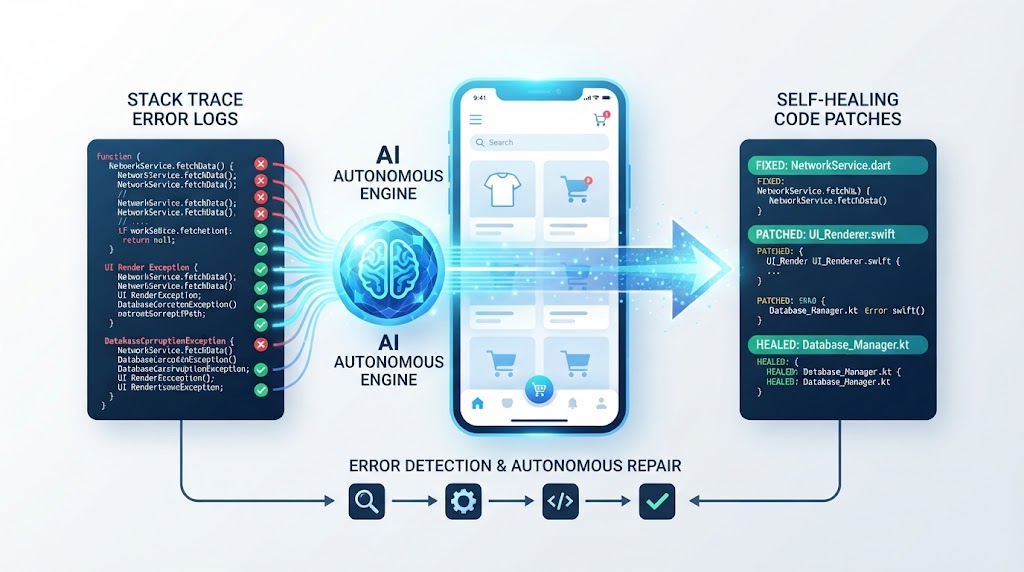
- FlutterGo addresses this trust gap by implementing a multi-layered verification and error-detection framework.
- Every line of Dart code undergoes automated scrutiny before reaching the user's live preview screen or GitHub Sync Integration repository.
2. Autonomous Stack Trace Analysis and Interception
When dependency conflicts, missing imports, or type mismatches occur during project compilation, traditional platforms leave developers stranded with dense error logs.
2.1 Real-Time Compiler Log Inspection
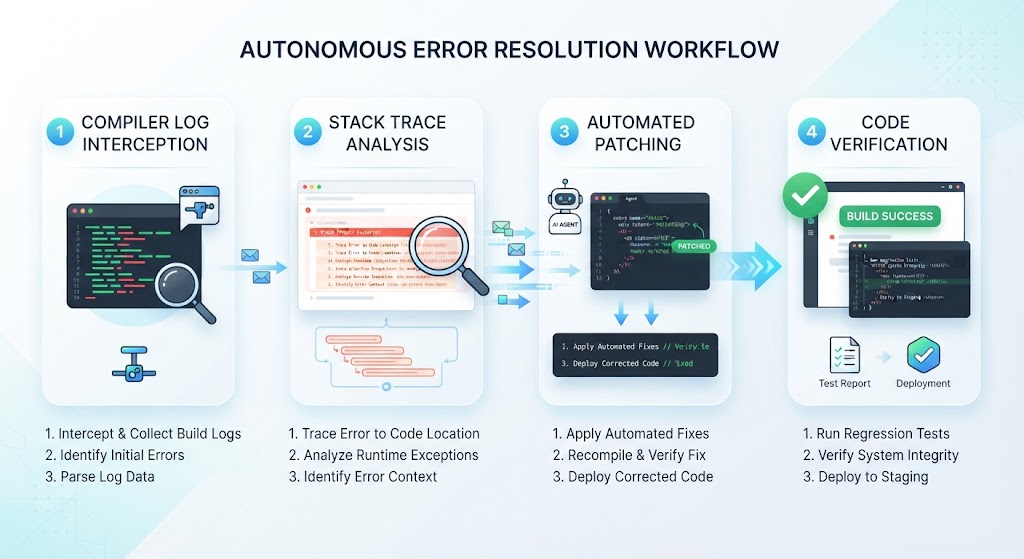
The FlutterGo engine intercepts compiler outputs instantly, reading stack traces down to the exact file and line number.
2.2 Isolating Logic and Syntax Anomalies
Instead of halting execution, autonomous agents categorize whether the issue stems from a Material 3 widget alignment, an unhandled asynchronous future, or a Riverpod provider mismatch.
Reliability Stage | Traditional AI Tool Behavior | FlutterGo Autonomous Approach |
|---|---|---|
Error Handling | Crashes build and dumps raw stack trace | Intercepts logs and initiates diagnostic routines |
Bug Fixing | Requires manual developer debugging | Autonomous self-healing code patching |
Code Verification | Blind trust or manual test execution | Automated multi-step validation and integrity check |
3. Self-Healing Correction Loops in Action
Once an error is isolated, the platform triggers its self-healing mechanism to resolve the conflict seamlessly.
- The system applies precision code patches to fix syntax errors or update deprecated method signatures.
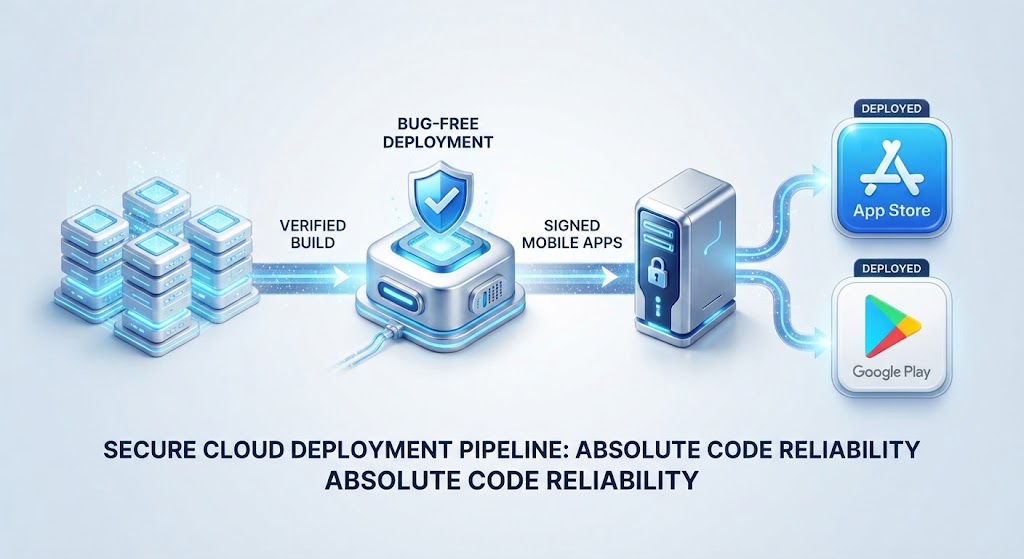
- It recompiles the application in a sandboxed environment to verify that the fix did not create secondary regression issues.
4. Conclusion: Building Unshakable Confidence
By replacing manual debugging frustration with automated stack trace analysis and self-healing error correction, FlutterGo ensures every generated app is robust, clean, and production-ready. Explore the Flutter Go Pricing Page to find the right plan for your team, or Visit Flutter Go today to experience bug-free mobile development.