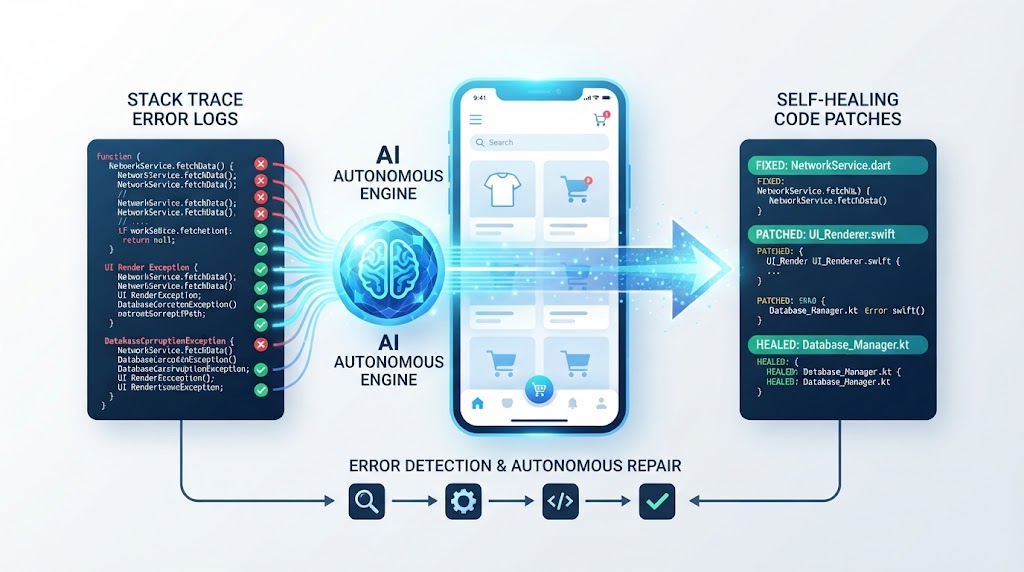
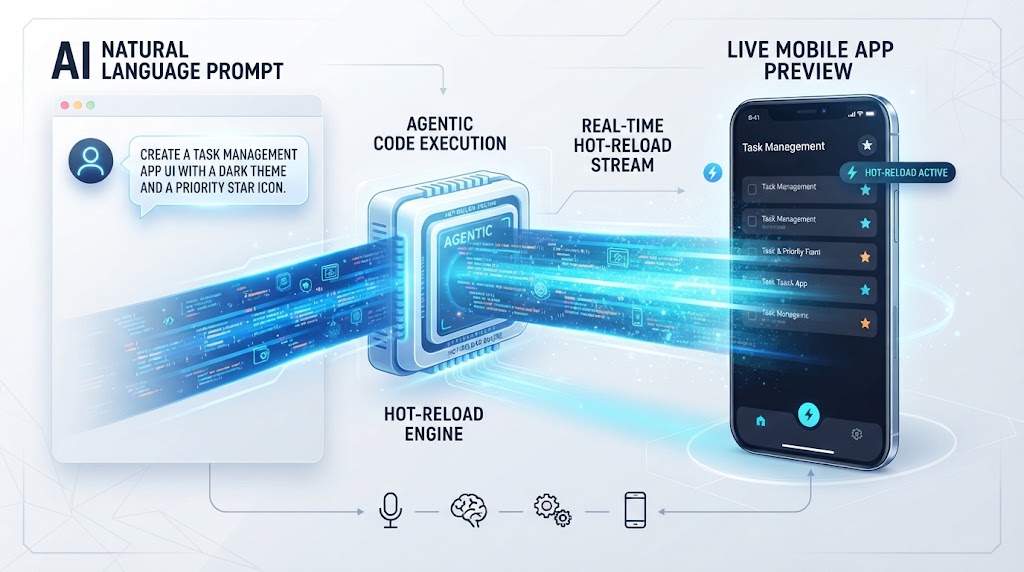
How FlutterGo Keeps Visual Changes and Flutter Code Synchronized
Discover how FlutterGo ensures absolute visual-code consistency, mapping drag-and-drop UI tweaks directly back into structured Dart and Riverpod code repositories.
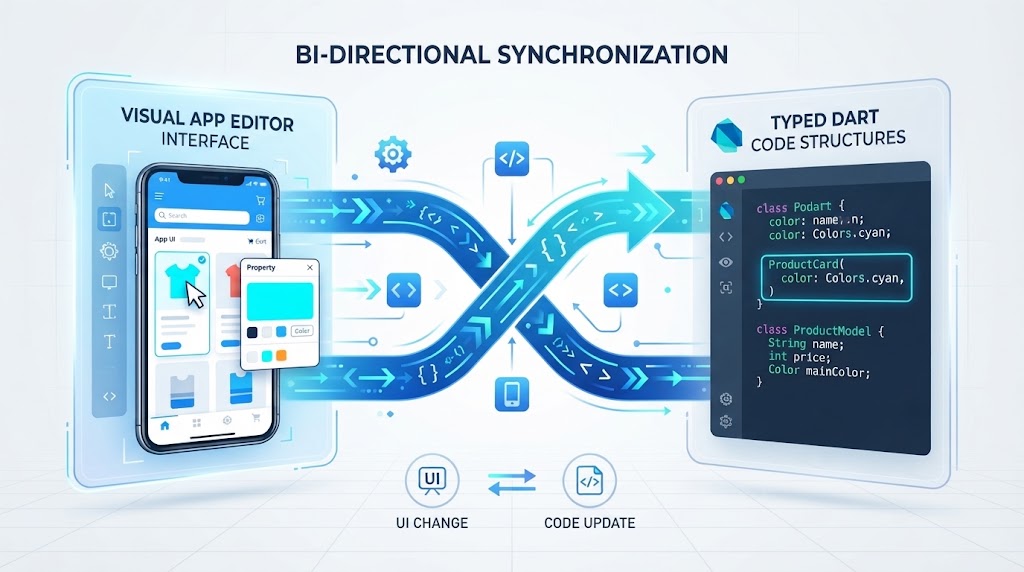
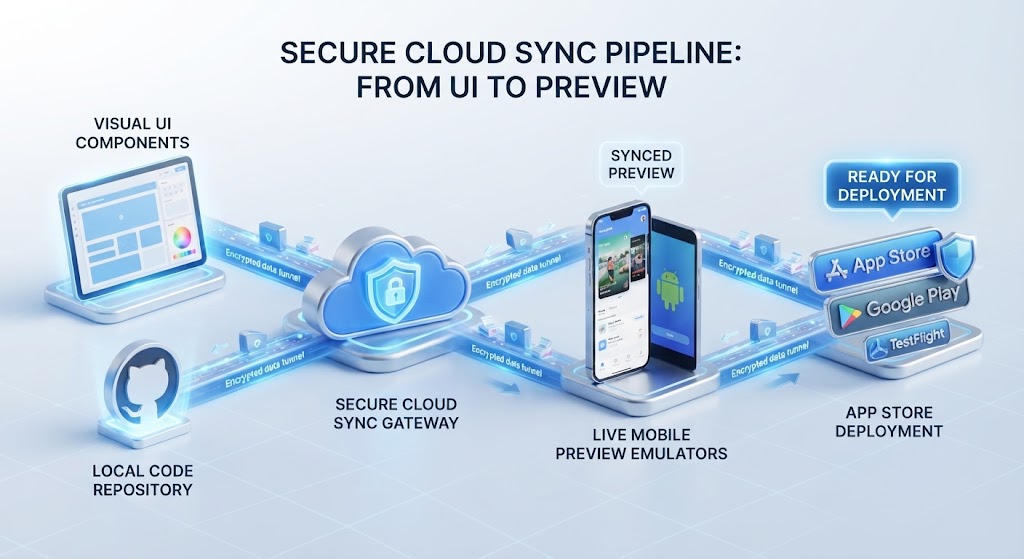
⚡ Featured Snippet Direct Answer: Visual-Code Consistency in FlutterGo Flutter Gomaintains absolute visual-code consistency by utilizing a bi-directional mapping engine that translates every drag-and-drop UI adjustment or Material 3 style tweak made in Edit Mode directly into structured, typed Dart code and Riverpod state configurations without breaking repository structures.
1. The Challenge of Visual-Code Disconnect in Development
Traditional design tools and low-code platforms often operate in an isolated sandbox. When a designer tweaks padding, changes a color token, or rearranges a layout visually, that change rarely translates into clean, maintainable code. Instead, it results in unreadable output or manual handoff delays.
- FlutterGo solves this disconnect through a unified bi-directional synchronization engine.
- Every adjustment made visually is instantly mapped back into typed Dart files and Riverpod state providers.
2. Bi-Directional Mapping Between UI and Code
Consistency relies on a seamless loop where neither the code nor the visual interface overrides the other destructively.
2.1 From Visual Edit to Dart Code Synthesis
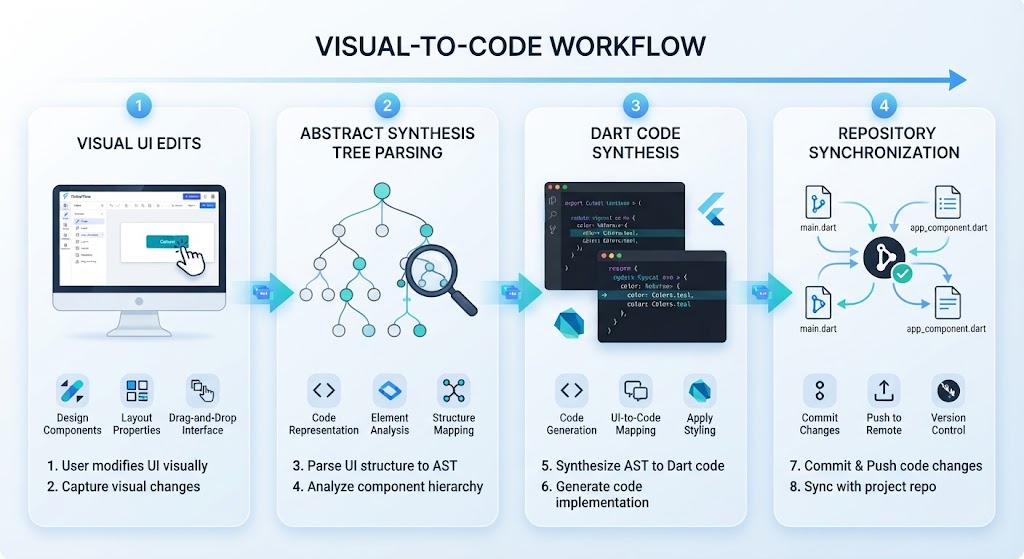
When a creator modifies a component layout using the visual editor, autonomous agents parse the modification and inject clean widget properties straight into the respective .dart files.
2.2 From Code Updates to Live Preview
Conversely, when an engineer writes logic locally or modifies code via GitHub Sync Integration, the visual workspace updates in real-time to reflect the new structure.
Synchronization Aspect | Traditional Design-to-Code Tools | FlutterGo Bi-Directional Sync |
|---|---|---|
Code Integrity | Generates messy, non-editable output blobs | Writes clean, typed Dart and Riverpod structures |
Update Direction | One-way handoff from design to code | Bi-directional mapping between UI and repository |
Version Control | Isolated files detached from git history | Seamless tracking viaGitHub Sync Integration |
3. Preserving Architecture and Version Control
Visual customization should never compromise software scalability or version control standards.
- Because synchronization occurs at the AST (Abstract Syntax Tree) level, project architecture remains pristine.
- Teams can collaborate effortlessly, knowing that visual tweaks and code commits merge smoothly through GitHub Sync Integration.
[H2] 4. Conclusion: Complete Harmony Between Design and Code
By eliminating the friction between visual editing and code generation, FlutterGo empowers teams to build faster without sacrificing engineering standards. Explore the Flutter Go Pricing Page to find the right tier for your workflow, or Visit Flutter Go today to experience true visual-code synchronization.