Why Developers Are Switching to Agent-First Flutter AI
Discover why mobile engineers are shifting from web sandbox prototypes to agent-first Flutter AI platforms for automated native mobile app development.
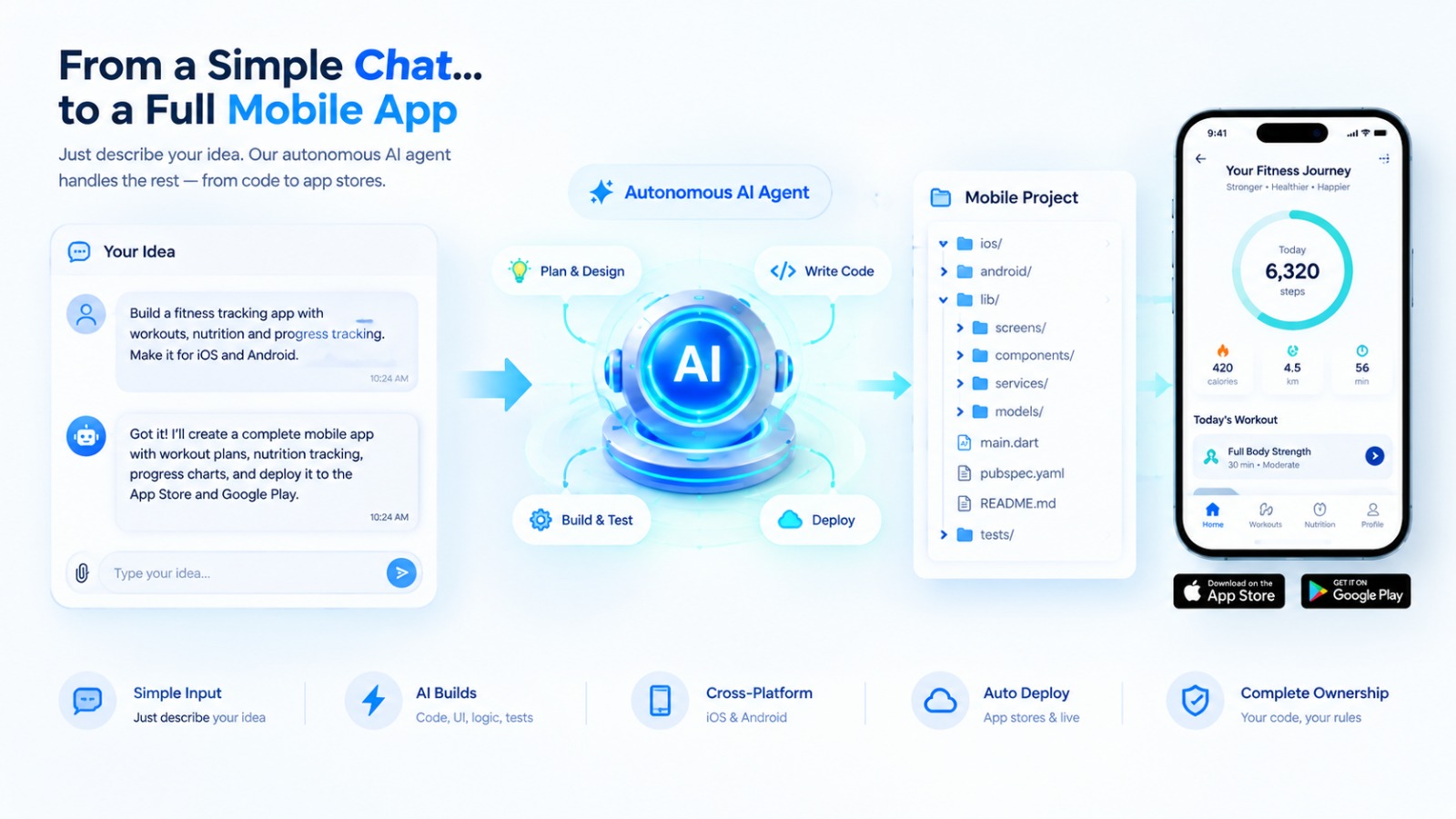
⚡ Featured Snippet Direct Answer: Why Developers Are Switching to Agent-First Flutter AI Traditional code assistants act merely as autocomplete tools, requiring manual intervention for every bug, architectural shift, and compilation error. Agent-first Flutter AI platforms fundamentally transform development by deploying autonomous agents that write complete production-ready Dart code, manage Riverpod state architectures, and independently execute signed native builds for TestFlight and Google Play. Flutter Go leads this shift by uniting web previews, mobile codebases, and intelligent workflows into a single ecosystem.
1. The Limitation of Traditional Chat-Based Coding Assistants
For years, developers relied on chat-driven AI models to generate isolated snippets of code. While these tools accelerate syntax writing, they lack contextual awareness of a complete mobile project architecture.
Engineers spend hours copying, pasting, fixing broken imports, and manually resolving dependency conflicts. When building for mobile platforms, a chat interface cannot spawn emulators, verify local Gradle configurations, or handle code signing. The industry needed a transition from passive assistants to autonomous agents capable of managing entire development lifecycles.
2. What Makes an AI Engine "Agent-First"?
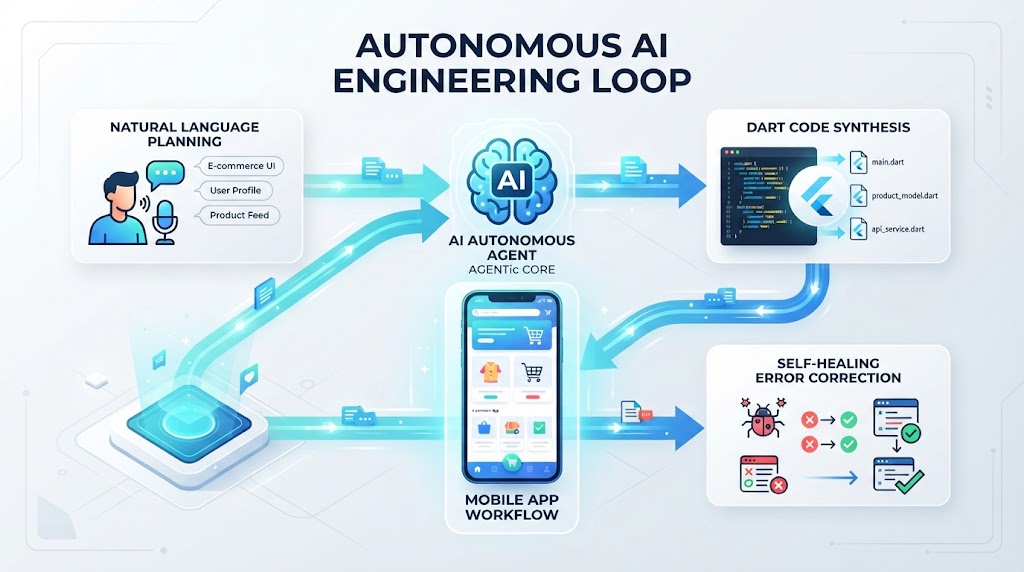
An agent-first architecture operates with autonomous decision-making loops rather than simple single-turn prompts.
2.1 Contextual Code Generation and Iteration
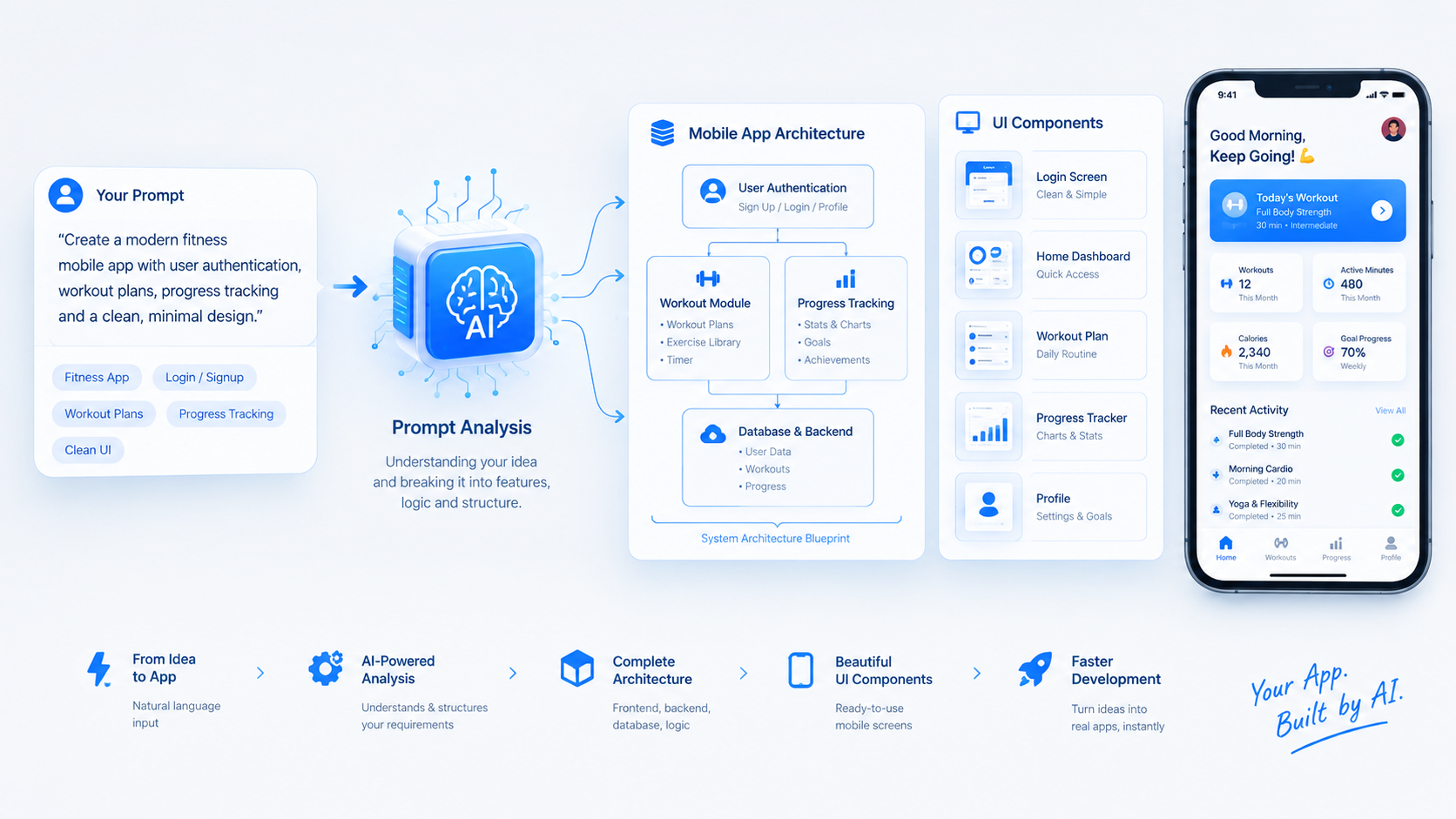
Instead of outputting raw text blocks, an agent-first system inspects the entire project tree, understands existing widget hierarchies, and applies clean Material 3 and Riverpod patterns safely across files.
2.2 Self-Healing Error Correction
When compilation or lint errors occur, autonomous agents analyze the stack trace, identify faulty logic, and execute fixes without requiring constant human troubleshooting.
Feature | Traditional AI Assistants | Agent-First Flutter AI |
|---|---|---|
Core Task | Single-file code completion | Full-stack project orchestration |
Error Handling | Manual developer debugging | Autonomous self-healing execution |
Architecture Control | Fragmented snippets | Structured Riverpod & Material 3 |
Build Integration | None | Automated cloud compilation |
3. From Web Sandboxes to Native Mobile Binaries
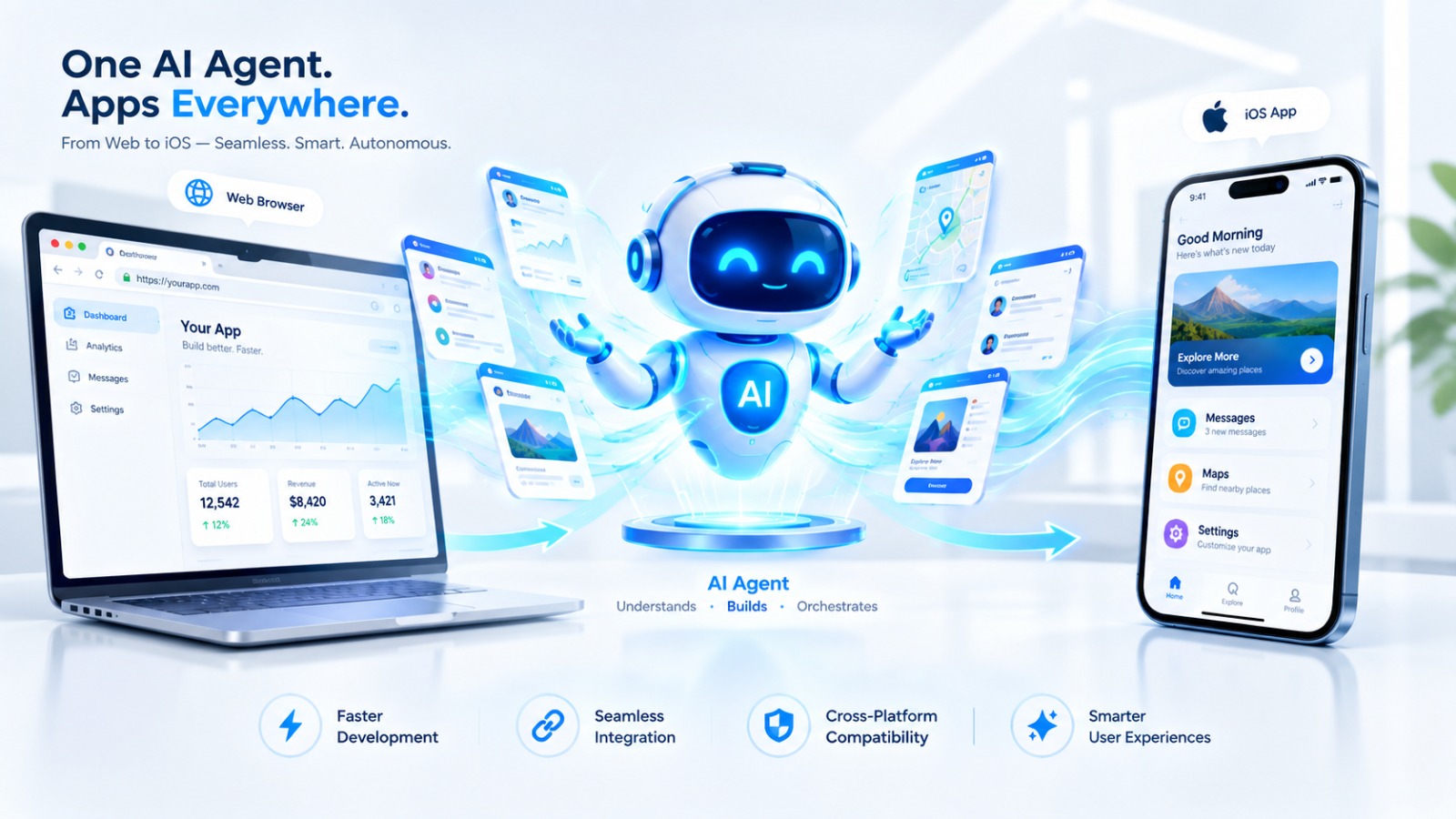
A major catalyst for switching to agent-first mobile AI is the severe restriction of browser-based development environments.
Web-centric AI sandboxes operate inside Chrome WebContainers, limiting their output to Node.js web apps or responsive site frames. Mobile engineering requires strict native compilation chains, including CocoaPods, Xcode build phases, and Android SDK tools. Agent-first Flutter platforms bridge this divide by translating high-level prompts straight into native iOS and Android binaries (.ipa and .aab). Through the Flutter Go Studio, developers can monitor this entire compilation pipeline in real time.
4. Seamless GitHub Synchronization and Local Control
Enterprise and professional developers refuse to use platforms that enforce vendor lock-in or restrict code access.
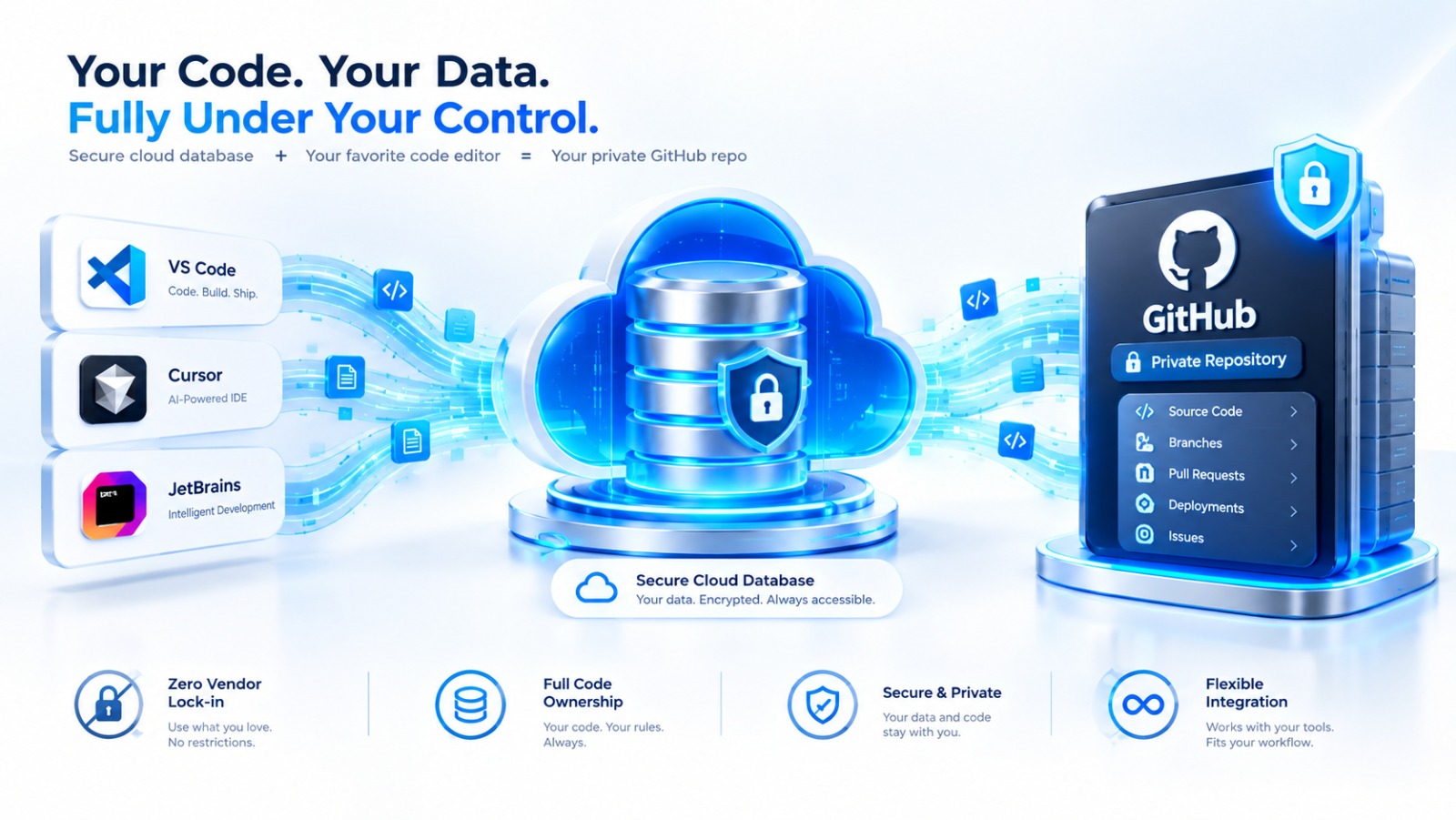
4.1 Bi-Directional GitHub Integration
Agent-first platforms like Flutter Go commit code directly into private GitHub repositories in real time via GitHub Sync Integration, ensuring absolute ownership and version control flexibility.
4.2 Local IDE Interoperability
Senior engineers can pull code repositories locally and work alongside professional environments like Cursor, VS Code, or Claude Code while leveraging cloud pipelines for fast mobile distribution.
5. Use Case Guide: Why Teams Are Adopting Agent Workflows
Choose traditional web AI if:
- You are building desktop-first administrative dashboards or browser extensions.
- You only require frontend React or Vite prototypes.
Choose agent-first Flutter AI if:
- You need to ship production-ready mobile apps directly to the Apple App Store or Google Play Store.
- You want autonomous agents to handle complex state management and native hardware integration.
- You can explore the various plan structures on the Flutter Go Pricing Page to find the right setup for your engineering team.
- Visit Flutter Go today to experience true agent-driven native mobile development with zero friction.