Fitness App Builder Questions
Straight answers on timers, progress, health data and selling programmes, and on what the Pulse demo does and does not prove.
Can I build a workout app with AI?
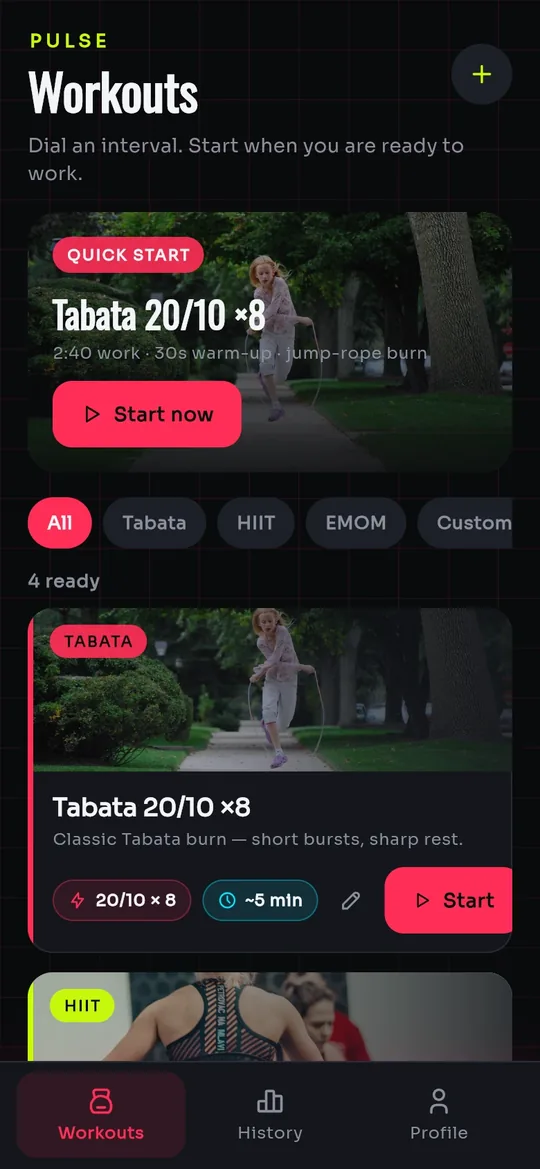
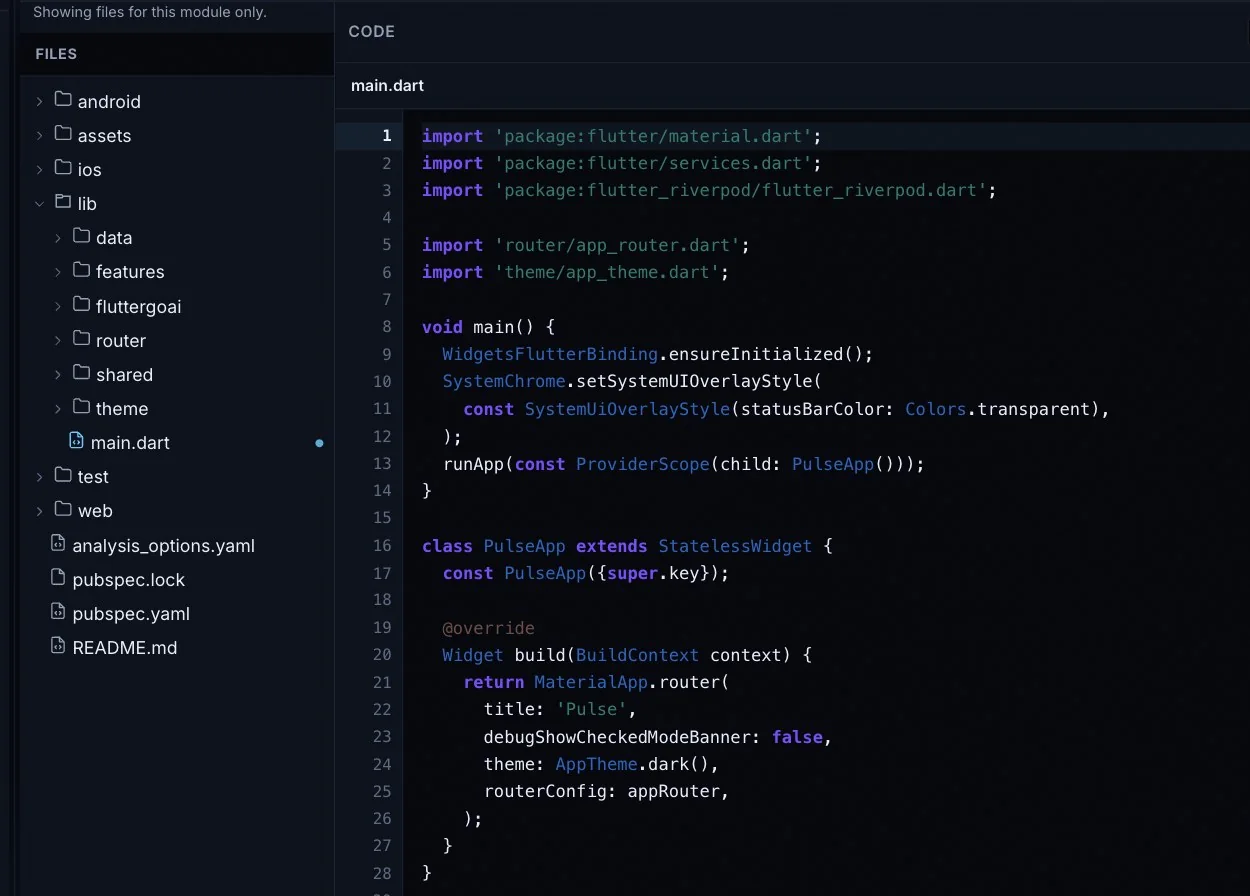
Yes. Describe your workouts, phases and goals in chat, and the agent writes the Flutter screens while you watch them appear in a phone preview. The FlutterGo team built Pulse, the interval app on this page, the same way. The output is a standard Flutter project that you can download on Pro and up.
Can the app include interval timers?
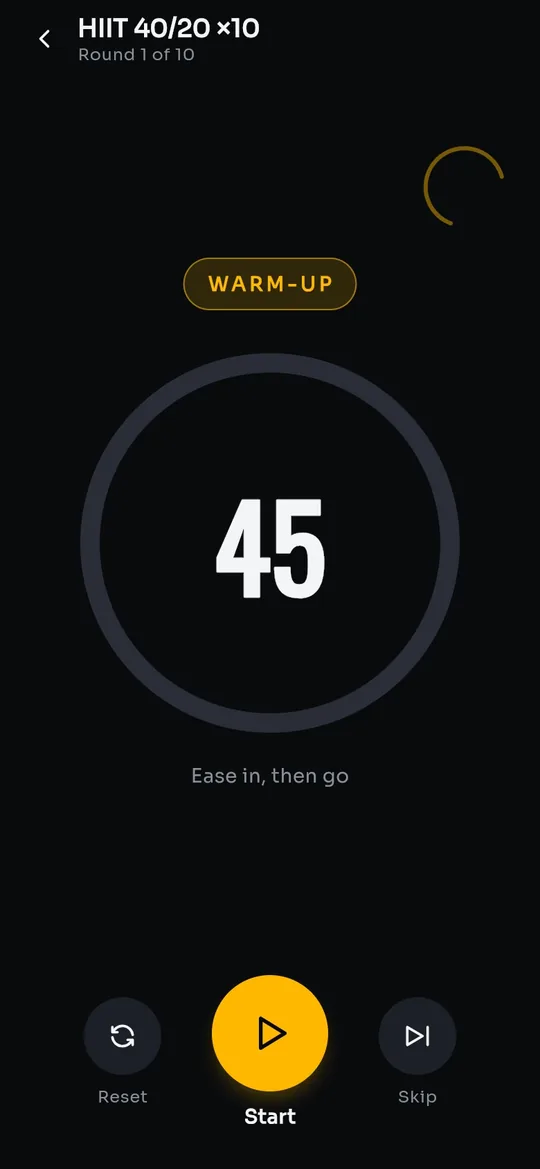
Yes. The Pulse captures show a full-screen interval timer with a warm-up phase, a round counter and Reset, Start and Skip controls. Ask for your own formats, such as Tabata, EMOM or a custom work and rest split. Before launch, test it with the screen locked and the app in the background.
Can users track their progress over time?
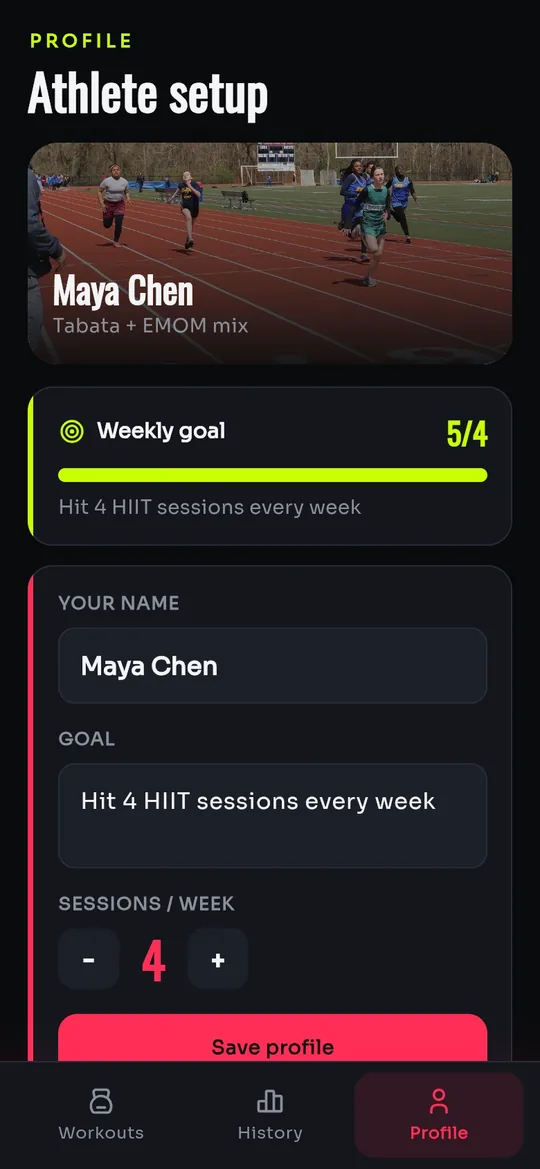
Yes, once their data is stored. The Pulse profile shows a weekly goal with a progress bar, and its History tab exists but is not in the captures. To keep progress over time and across devices, connect Supabase and ask for sign-in and a sessions table with row-level security. The backends chapter covers the connection.
Does it connect to Apple Health or Google Fit?
Not out of the box. Pulse does not sync with Apple Health, Google Fit or wearables, and FlutterGo has no built-in connection to them. Treat health data sync as additional development and plan it before you promise it to users. The code downloads on Pro and up, so a developer can extend the standard Flutter project.
Can personal trainers sell programmes in the app?
Not in the demo: the Pulse captures show no payments or subscriptions. Digital programmes sold inside iOS and Android apps fall under Apple's and Google's in-app purchase rules, so selling them needs additional development that follows those rules. In-person sessions are different: they can be paid through your own Stripe account, whose keys go into the Stripe setup form that appears when the agent adds payments.
Can the app run on iOS and Android?
Yes, from one Flutter codebase. While you build, it runs in a phone preview in your browser, and from Starter you can install an Android test APK on your own phone. Pro and up add publishing: a signed App Bundle to the Google Play track you pick, and an iOS build signed on a cloud Mac runner in your connected GitHub repository, then sent to TestFlight. You need developer accounts with Google Play and Apple, and each store reviews the app before release.