FlutterFlow's New AI Builder Writes Flutter You Can't Export
FlutterFlow's new AI builder writes Flutter and Dart, but its docs say you can't export the source. What launched, what stays behind, and how to choose.
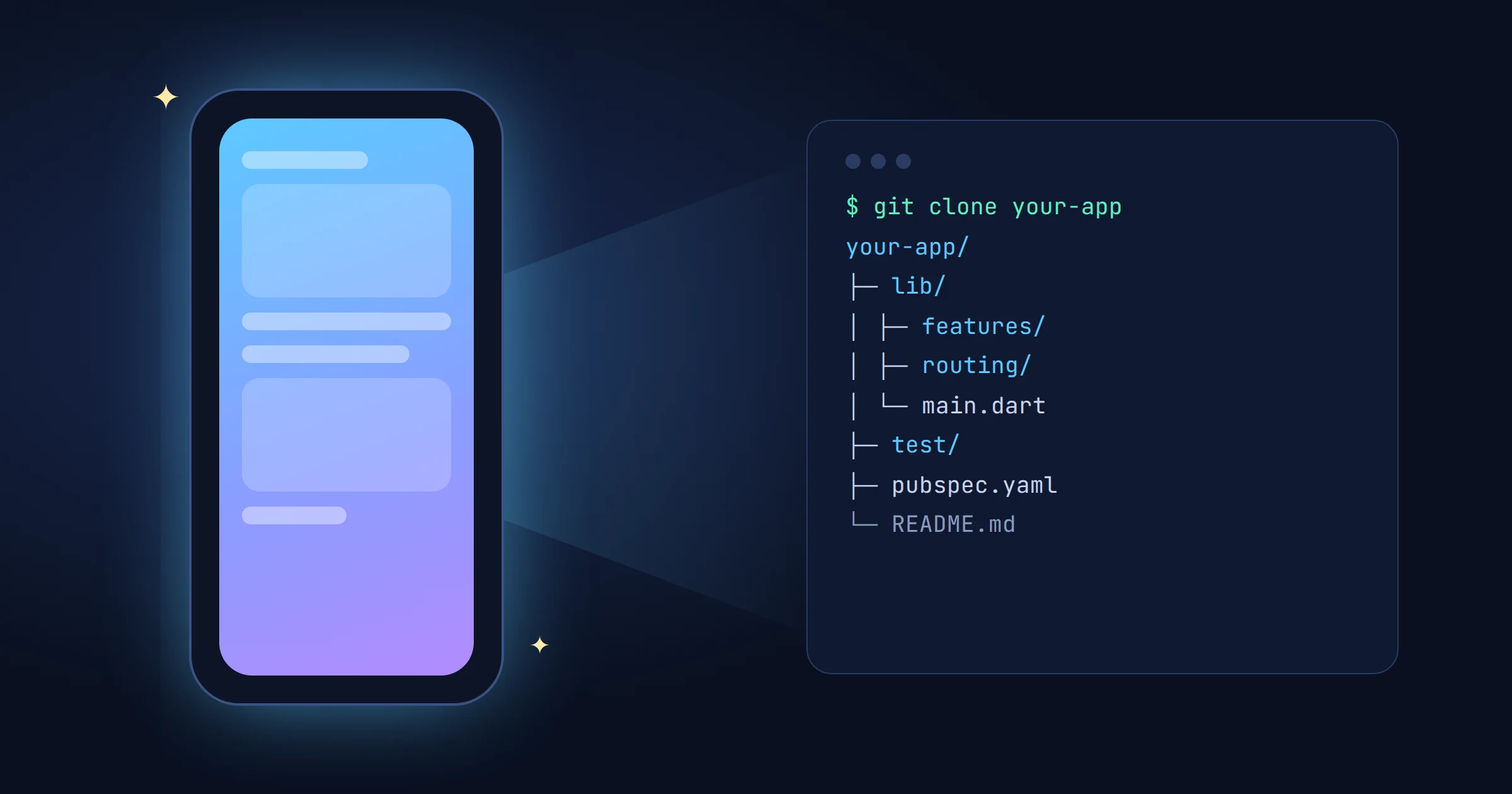
FlutterFlow's new AI builder writes real Flutter, but you can't take the code with you. The product launched on 4 November 2026 under the FlutterFlow name, and the visual builder people already knew became FlutterFlow Studio. FlutterFlow's developer docs say your app is "a Flutter app written in Dart", then state that you "can't download or export its source code or send it to GitHub". Studio can still export. A project can't move between the two, so the first decision is the one that sticks. We read the announcement and docs on 6 November. We haven't built an app in it, and we compete with it.
Disclosure: FlutterGo is an AI Flutter app builder, so FlutterFlow is a competitor. Every claim about its product below comes from its own pages, read on 6 November 2026. These docs are days old and may change.
What FlutterFlow launched
The press release describes a prompt-to-store builder: describe an app, work with an agent, and publish to the App Store and Google Play from inside the product. The same release lists a built-in backend, parallel agent tasks and testing on your own phone. The co-founder's post is clear that Studio stays. Existing subscriptions cover both products, and existing projects stay in Studio.
The reasoning is plain too. People wanted to keep prompting for every change, and Studio wasn't designed for that, so the company built a second product instead of changing the first. That's a sensible call, and it's why the two differ so much.
Two products, not two modes
| FlutterFlow | Studio | |
|---|---|---|
| How you build | Agent, in threads | Visual canvas |
| Your own code | Paste it to the agent | Custom code |
| Flutter source | No export | Download, paid plans |
| Backend | Built in | Firebase, Supabase, APIs |
| Targets | iPhone, Android, web link | iOS, Android, web |
FlutterFlow's comparison page answers the migration question in one line: "Projects cannot currently be transferred". The docs' Not available page adds that Studio projects don't open in the new builder, and that there's no visual canvas or code editor in it.
So "start in the AI builder, then move to Studio when it gets serious" isn't a path today. You'd start again.
What stays behind when you leave
Compiled builds leave. App files gives you an .apk, .aab and .ipa, for the newest build only. A compiled build is enough to install. It isn't enough to change the app.
Source code doesn't. Every change goes through the agent. You can paste code into a message or attach it as a text file, but you can't attach a .dart file. A developer you hire later can't open the project in an editor, run flutter analyze or send a pull request.
Data is harder than it first looks. The Not available page says Backend doesn't "export records". You can connect Firebase, Supabase, Auth0 or your own API, and the agent builds that in alongside the built-in backend. If leaving matters to you, decide that on day one, while the built-in tables are still empty.
Your store listing stays yours. This is a real point in the product's favour. Releases runs through your own Apple and Google developer accounts, and moving the app elsewhere takes a normal store transfer. What we couldn't find in the pages we read is how you'd keep updating that listing from another codebase, or what happens to a live app and its backend if you stop paying. Ask before you commit.
Three limits worth checking before you start
In-app purchases. The builder has no App Store or Google Play purchases. The docs point to Stripe Checkout instead. That suits a booking or a physical order, because Apple's guideline 3.1.3(e) tells apps to take those payments outside in-app purchase. Guideline 3.1.1 is different: unlocking features or premium content generally has to use in-app purchase, with storefront-specific exceptions. If your app sells digital content, read those rules for your market before you build. This isn't legal advice.
Devices. The docs say it "builds your app for iPhone only". Android is covered, and a share link runs on the web, but there's no iPad build and no desktop app. Limits caps a first version at 8 screens.
Tests and tooling. You review a turn's Summary and its Changes tab, then try the app in Preview. There's no way to run your own test suite against the code, because you never hold the code. FlutterFlow's Stripe page does tell you to verify each payment yourself, which is good advice. We've written about what checking AI-generated Flutter involves in practice, and most of it needs the source.
What this says about AI app builders
The new builder makes a clear trade. Hiding the code removes a lot of what trips up non-developers: FlutterFlow sets the Flutter version, and it ships a backend and a release flow that a first-time founder would otherwise have to learn. For someone testing an idea, that's a strong offer. US list prices are $39, $80 and $150 a month, and one subscription covers both products.
The cost arrives later. AI builders still fail in predictable places, ours included. This week's calculator tutorial is a fair example: the fix was a prompt, but we found the bugs by reading the generated code and running its test. Without the repo, you only have what you can see on screen, and your only tool is another prompt. We argued earlier that you should judge an AI builder by the repo it leaves you, not the demo. Studio passes that test. FlutterFlow's new builder doesn't try to.
How to choose
- New FlutterFlow suits a validation build where the app might never need a developer, you're happy with a managed backend, and iPhone plus Android is enough.
- FlutterFlow Studio suits you if you want a visual builder, your own Firebase or Supabase, custom code, or a downloadable Flutter project on a paid plan.
- A builder that exports its code suits you if a developer, a client handover or a due-diligence review is likely. Check which plan unlocks it. Ours, for one, starts source download and GitHub sync at Pro, not on Free or Starter.
Before paying for any of them, ask five questions: Can I download the source today? Can I export my data? Which accounts own the store listing and the signing keys? What happens to a live app if I cancel? Can I run my own tests?
Next step
If those answers point to owning the code, compare your options side by side in our FlutterGo vs FlutterFlow guide, which covers Studio and predates this launch. To see the other model, try FlutterGo, the AI Flutter app builder. It writes Flutter you can download on Pro and sync to your own GitHub repo.