AI Writes the Flutter App in Minutes. Checking It Is the Real Work
Flutter's team says checking AI code, not writing it, is the bottleneck. Four real FlutterGo builds agree, with a caveat: tools can't choose what to test.
On 20 October the Flutter team published an argument that anyone building with AI should read: AI makes it easy to migrate, Flutter makes it easy to scale. Strip away the framework advocacy and its core claim is about verifying AI-generated code. Generating it is no longer the slow part. Checking that it's right is, and a better harness of analyzers, tests and tooling helps more than a better prompt.
Our own builds back that up, with one caveat the post doesn't dwell on. In four published FlutterGo tutorials, the first build took 13 to 24 minutes and every fix prompt finished in under 3 minutes. All seven bugs we fixed were caught by a person who knew which awkward case to check, such as a Turkish capital İ or the night the clocks go back. None was a compile error. All of them were logic that a type checker has no way to flag. A harness speeds up checking. It doesn't decide what to check.
What the Flutter team argued
The post, by Carlos Mendonça and Emma Twersky, makes five points. Three of them matter here.
- Parallel agents drift. If two agents build the same feature for iOS and Android from the same prompt, they can make different assumptions, and both versions can pass their unit tests. One codebase means one set of decisions to check.
- Verification is the bottleneck. The post compares feedback loops: under 200 ms for a Flutter hot reload and under 500 ms for a headless widget test, against 2 to 5 minutes per native build. It also cites research showing developers feel more productive starting tasks with AI while many don't trust its accuracy for critical debugging without checking it themselves.
- A better harness beats a better prompt. Generic instructions like "avoid memory leaks" didn't get an agent to fix bugs in the
camera_android_cameraxplugin. Analysis tools through MCP, package-specific skills and mandatory test-first steps did. The team ships this harness as the Dart and Flutter agent plugins, and Flutter's get-started guide for AI describes an MCP server that gives assistants "analyzer diagnostics, symbol resolution, test runners, and runtime inspection".
Read it for what it is: a vendor making the case for its framework. Its own benchmark shows a modest gain from the harness, 84.1% to 85.5% for Gemini 3.5 Flash and 89.6% to 92.7% for Gemini 3.1 Pro, and the post doesn't describe the test method. The checkout example, where Android conversion drops 3%, is an illustration rather than a measured case. The Apptopia ratings it quotes show Flutter and non-Flutter apps rated the same (4.1 on Google Play, 4.0 on the App Store), which shows parity, not an advantage. Still, the central point doesn't depend on any of those numbers, and it matches what we've seen.
What four real builds showed
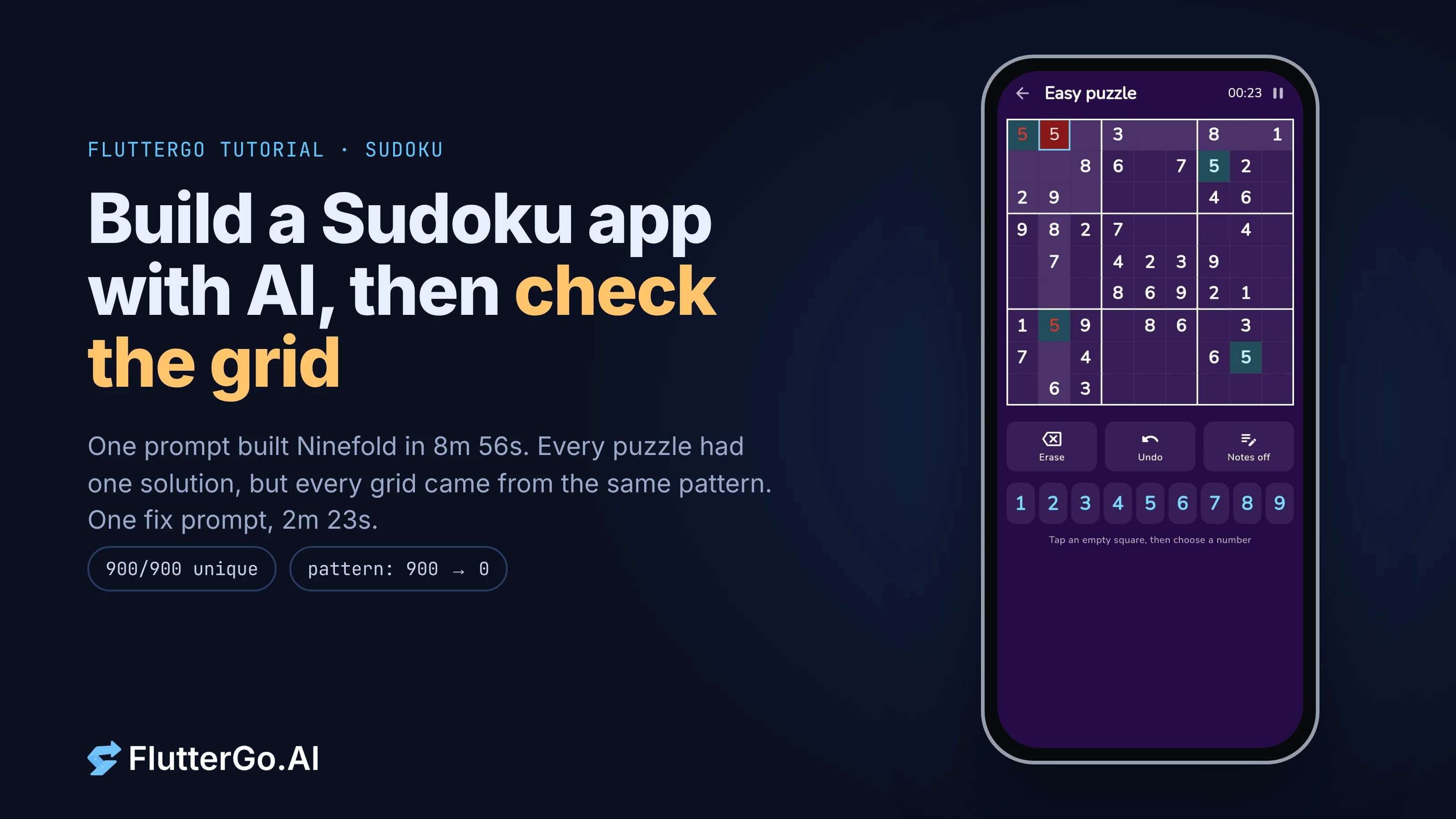
We publish every tutorial build with its real times, prompts and bugs. Here are the four with full timings, as stated in the published posts:
| App | Times | Bug found by |
|---|---|---|
| Margin, notes | 13 min 5 s, then 2 min 37 s (1 bug) | Searching notes that contain a Turkish capital İ, which lowercases to two characters in the browser and shifted the search highlight |
| Packwell, packing list | 14 min 43 s, then 47 s and 54 s (2 bugs) | Creating a trip and pressing back (the trip couldn't be left), and counting nights across a clock change |
| Shiftbook, shift hours | 18 min 19 s, then 2 min 5 s (2 bugs) | Running the generated models for a London night shift across the October clock change |
| Renewly, subscriptions | 24 min 17 s, then 58 s (2 bugs) | Reading the generated date code, then checking renewals in a time zone that changes its clocks |
Two patterns run through all four.
Fixing was fast once the bug had a name. Each fix took one prompt that described the symptom and the expected rule, and none took longer than 2 minutes 37 seconds. A precise bug report is most of a fix, for an AI as much as for a person.
Finding the bug took specific knowledge. Five of the seven bugs involved dates across a daylight-saving change, one involved how a language lowercases a letter, and one was a navigation trap. Each needed someone to ask "what happens when..." about a case the prompt never mentioned. The generated code compiled and ran in the preview. Nothing failed loudly.
We didn't log how long the finding took, so we can't put a number on it. In wall-clock terms, the two posts that estimate a total both say most of the time went on waiting for the build. The bottleneck we mean is a different one: knowing what to check once the build is done.
Why a harness can't choose the test
An analyzer answers "is this valid Dart?". A test runner answers "does this code do what the test says?". Neither can answer "which behaviour should we test?", because the answer depends on the domain:
- A shift app needs to know that a London night shift from 24 to 25 October 2026 is nine hours, not eight, because the hour from 01:00 to 02:00 happens twice.
- A notes app needs to know that changing a string's case can change its length.
- A subscription app needs to know what "renews on the 31st" means in February, and that a time stored in UTC can show up on the previous day.
This is where the Flutter post's harness point and our experience meet. Its Project One Shot harness worked because it made the agent reproduce the bug with a failing test first. Someone, or something, still had to know the bug existed. Skills and analyzers make the agent better at Flutter. They don't tell it that your users travel across time zones.
How fast is the Flutter check loop?
The post quotes under 500 ms for a headless widget test. That's true for the test itself, but not for the command a developer or an agent runs. We timed both on Flutter 3.47.7 with a small sample app (four widget tests, a shared 2-vCPU Linux VM):
| Step | Measured |
|---|---|
| One widget test body, after the first | 26 to 35 ms |
| First widget test in the run (includes warm-up) | 350 to 377 ms |
flutter test for the whole file after a one-line edit |
2.4 to 2.5 s |
flutter analyze on lib/ and test/ |
5.8 to 7.2 s |
So a full edit, analyze and test cycle on our small sample takes about 10 seconds. We didn't time a native build, so we're not comparing against the post's 2 to 5 minutes. Ten seconds is short enough that an agent, or a person, can run the whole loop after every change. That makes the important question which tests are in the loop, not whether the loop is fast enough.
The strongest counterargument
The case against all this: if harness improvements are this modest (1.4 and 3.1 points in the post's benchmark), maybe the bottleneck will move again as models improve, and in a year a model will write the London clock-change test without being asked.
It might. But the bugs above weren't hard. They were unstated. "Count nights correctly across a daylight-saving change" wasn't in the prompt because the person writing the prompt didn't think of it. A better model can guess more of those rules, and the guesses still need checking against what the product should do. That's a product decision, not a code-quality one.
There's a fair point on the native side too. A native team with a good spec and shared tests can keep two agents from drifting, and nothing stops native toolchains from adopting the same harness ideas. One codebase means fewer things to check. It doesn't mean nothing to check.
What to do if you build with AI
- Write the awkward cases down before the first build. Time zones, locales, empty states, the back button, money in other currencies. If the prompt names the rule, the first build has a chance of following it.
- Turn each bug into a test before the fix prompt. That's the reproduce-first step from the Flutter team's harness, and it keeps the bug from coming back quietly. Our guide to widget tests for AI-generated Flutter code has six tests worth starting with.
- One bug per fix prompt, with the evidence. Our fastest fixes described the symptom, the expected rule and what not to change.
- Keep the test suite with the code. The tests are what let you, or the next agent, change the app later without starting the checking from zero.
- Expect the same few categories. Our post on where AI app builders still fail groups the bugs we've found by type, and dates come up again and again.
The Flutter team is right that generating code got cheap and checking it didn't. Tooling can make each check faster, but someone still has to decide what's worth checking, and that comes from knowing the product.
If you want to try the loop on a real app, FlutterGo, the AI Flutter app builder, builds a Flutter project from a prompt and gives you the Dart code to test.